The bottom line: MCP servers are the integration layer between AI agents and your tooling. The Model Context Protocol turns any tool, API, or data source into a first-class citizen that Claude, Cursor, and other MCP-compatible hosts can discover and invoke — no custom SDKs, no per-client adapters. An analysis of over 16,400 MCP implementations found 55% are JavaScript-based and 38% Python-based buildtolaunch.substack.com. This guide walks through building both, from a working server to production deployment.
What You’re Building
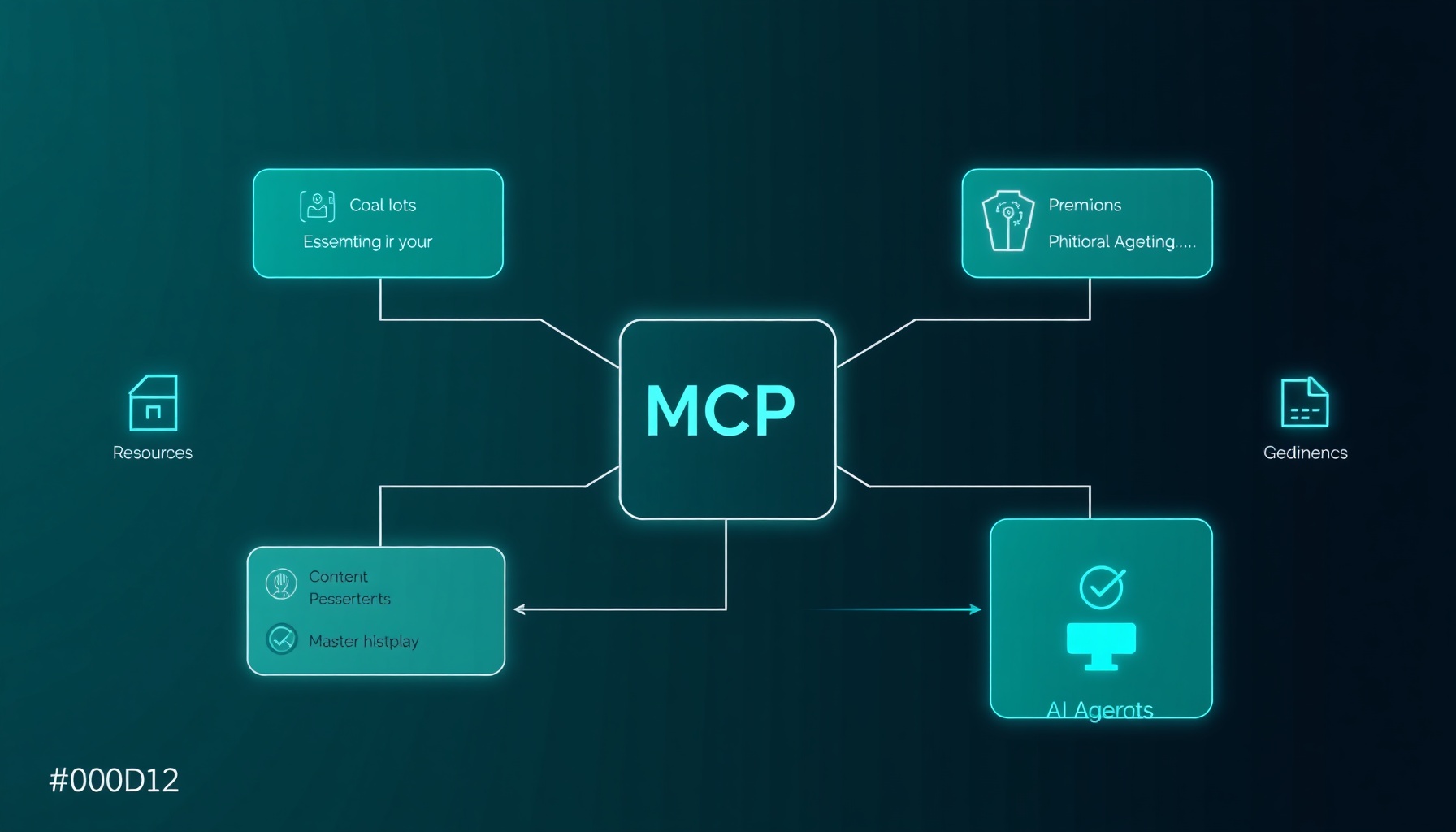
An MCP server exposes three primitives to any compliant client composio.dev:
- Tools — Functions the model can call (side-effecting actions like “create a file”, “query a database”)
- Resources — Data the model can read (files, API responses, system info)
- Prompts — Reusable templates the model uses to structure its reasoning
The protocol uses JSON-RPC 2.0 over STDIO (local) or Streamable HTTP (remote). A single server can serve any MCP host — Claude Desktop, Claude Code, Cursor, or custom clients composio.dev.
Python Server with FastMCP
FastMCP is the fastest path to a production MCP server in Python. It handles protocol negotiation, JSON-RPC lifecycle, and transport setup behind decorators.
Setup
mkdir mcp-demo-server && cd mcp-demo-server
python3 -m venv .venv
source .venv/bin/activate
pip install fastmcp
Server with Tools, Resources, and Prompts
# server.py
from fastmcp import FastMCP
import os, platform, psutil, uuid, base64
from pathlib import Path

mcp = FastMCP("Demo MCP Server")

# --- Tools ---

@mcp.tool()
def generate_password(length: int = 32) -> str:
    """Generate a cryptographically random password of given length"""
    raw = uuid.uuid4().bytes + uuid.uuid4().bytes
    return base64.b64encode(raw).decode()[:length]

@mcp.tool()
def list_files(directory: str = ".") -> list[str]:
    """List files in the given directory"""
    return [str(f) for f in Path(directory).iterdir()]

# --- Resources ---

@mcp.resource("system://info")
def get_system_info() -> str:
    """Current system resource usage"""
    return (
        f"OS: {platform.system()} {platform.release()}\n"
        f"CPU: {psutil.cpu_percent()}%\n"
        f"RAM: {psutil.virtual_memory().percent}%\n"
        f"Disk: {psutil.disk_usage('/').percent}%\n"
        f"Python: {platform.python_version()}"
    )

# --- Prompts ---

@mcp.prompt()
def helper_prompt(task: str, context: str = "") -> str:
    """Generate a helper prompt for a given task"""
    return f"Task: {task}\nContext: {context}\nProvide a step-by-step solution."

if __name__ == "__main__":
    mcp.run()
Run it:
python server.pyBy default this runs on STDIO. For HTTP: mcp.run(transport="streamable-http", host="0.0.0.0", port=8000) composio.dev.
What’s Happening
@mcp.tool()registers the function as a callable tool. The docstring becomes the model-facing description — invest time here, because models rely on it to decide when to call the tool composio.dev.@mcp.resource()exposes data the model can read, with a URI scheme (system://info) for namespacing.@mcp.prompt()registers a reusable template the client can surface to the user.mcp.run()starts the JSON-RPC server and enters the protocol loop.
Node.js Server with the MCP SDK
For edge deployments or teams already on TypeScript, the Node.js SDK provides the same primitives.
Setup
mkdir mcp-node-server && cd mcp-node-server
npm init -y
npm install @modelcontextprotocol/sdk
Server
// server.ts
import { Server } from "@modelcontextprotocol/sdk/server/index.js";
import { StdioServerTransport } from "@modelcontextprotocol/sdk/server/stdio.js";
import {
  CallToolRequestSchema,
  ListToolsRequestSchema,
  ListResourcesRequestSchema,
  ReadResourceRequestSchema,
} from "@modelcontextprotocol/sdk/types.js";

const server = new Server(
  { name: "demo-node-mcp", version: "1.0.0" },
  { capabilities: { tools: {}, resources: {} } }
);

// List tools
server.setRequestHandler(ListToolsRequestSchema, async () => ({
  tools: [
    {
      name: "greet",
      description: "Greet someone by name",
      inputSchema: {
        type: "object",
        properties: {
          name: { type: "string", description: "Name to greet" },
        },
        required: ["name"],
      },
    },
  ],
}));

// Call tool
server.setRequestHandler(CallToolRequestSchema, async (request) => {
  if (request.params.name === "greet") {
    const { name } = request.params.arguments as { name: string };
    return { content: [{ type: "text", text: `Hello, ${name}!` }] };
  }
  throw new Error(`Unknown tool: ${request.params.name}`);
});

// List resources
server.setRequestHandler(ListResourcesRequestSchema, async () => ({
  resources: [
    {
      uri: "demo://welcome",
      name: "Welcome Message",
      mimeType: "text/plain",
    },
  ],
}));

// Read resource
server.setRequestHandler(ReadResourceRequestSchema, async (request) => {
  if (request.params.uri === "demo://welcome") {
    return { contents: [{ uri: "demo://welcome", text: "Welcome to the MCP server!" }] };
  }
  throw new Error(`Unknown resource: ${request.params.uri}`);
});

const transport = new StdioServerTransport();
await server.connect(transport);
Compile and run:
npx tsc server.ts --outDir dist --moduleResolution node --module nodenext
node dist/server.js
The Node.js SDK gives you full control over the protocol lifecycle — useful when you need custom error handling, authentication middleware, or resource caching.
Connecting to Hosts
Claude Code
# Python server (stdio)
claude mcp add demo-mcp -- python3 /path/to/server.py

# Node.js server (stdio)
claude mcp add demo-node-mcp -- node /path/to/dist/server.js

# HTTP server
claude mcp add --transport http demo-http https://your-server.com/mcp \
  --header "Authorization: Bearer your-token"
Claude Code stores global config at ~/.claude.json and project-level at .mcp.json buildtolaunch.substack.com.
Cursor
Create .cursor/mcp.json in your project:
{
  "mcpServers": {
    "demo-mcp": {
      "type": "stdio",
      "command": "python3",
      "args": ["/path/to/server.py"]
    },
    "demo-http": {
      "type": "http",
      "url": "https://your-server.com/mcp",
      "headers": {
        "Authorization": "Bearer your-token"
      }
    }
  }
}
Enable in Cursor Settings → Tools & MCPs truefoundry.com.
Claude Desktop
On macOS, edit ~/Library/Application Support/Claude/claude_desktop_config.json:
{
  "mcpServers": {
    "demo-mcp": {
      "command": "python3",
      "args": ["/path/to/server.py"]
    }
  }
}
Fully quit and reopen Claude Desktop. Click the + in any conversation → Connectors to verify buildtolaunch.substack.com.
Testing with MCP Inspector
The MCP Inspector is a browser-based debugger that lets you call tools and read resources without an LLM:
npx @modelcontextprotocol/inspector python3 /path/to/server.pyThis opens a web UI where you can:
- List all tools with their schemas
- Call any tool and inspect the response
- List and read all resources
- Test prompts
- Inspect JSON-RPC messages in real-time
Use this during development to verify your server behaves correctly before connecting it to an agent composio.dev.
Production Deployment Patterns
STDIO (Local)
STDIO MCPs run as subprocesses of the client. Deployment is simple — ship the Python package or Node module, ensure the command path is correct. No network overhead. Best for developer workstations and CI pipelines buildtolaunch.substack.com.
Streamable HTTP (Remote)
For shared team infrastructure or cloud-hosted servers, use the HTTP transport:
# production_server.py
from fastmcp import FastMCP
mcp = FastMCP("production-mcp")
# ... register tools ...
mcp.run(transport="streamable-http", host="0.0.0.0", port=8000)
Deploy behind a reverse proxy (Caddy, Nginx) with:
- TLS termination
- Rate limiting (per-tool or per-session)
- Authentication via bearer tokens or OAuth
- Health check endpoint at
/health - Request logging to stdout (JSON format for log aggregators)
Dockerize the server:
FROM python:3.12-slim
WORKDIR /app
COPY . .
RUN pip install -r requirements.txt
EXPOSE 8000
CMD ["python3", "production_server.py"]
Monitoring
MCP servers are infrastructure. At minimum, instrument:
- Handshake success rate — target high availability
- Tool error rate — target near-zero errors
- P99 latency per tool — benchmark your slowest tool, alert on 2x deviation
- JSON-RPC parse errors — spike indicates protocol mismatch
The three-layer observability model (transport → tool execution → agent task) applies here: instrument at each boundary so you can trace failures from agent behavior to root cause mlflow.org.
Key Takeaways
- MCP is not a new API style — it’s a discovery and invocation protocol. Your existing tools only need a thin shim to become MCP servers composio.dev.
- Python (FastMCP) for prototyping, Node.js for edge/TypeScript stacks. Both produce functionally identical servers buildtolaunch.substack.com.
- Docstrings are your user manual — the model reads them to decide when to call tools. A weak docstring means the tool goes unused composio.dev.
- Test with MCP Inspector before connecting to any agent. It reveals protocol errors the agent would silently swallow.
- Production MCP needs observability — instrument transport, tool execution, and error rates. Most MCP outages (73%) start at the transport layer, which has the least visibility mlflow.org.
buildtolaunch.substack.com https://buildtolaunch.substack.com/p/mcp-server-types-installation-guide-claude-cursor composio.dev https://composio.dev/content/mcp-server-step-by-step-guide-to-building-from-scrtch truefoundry.com https://www.truefoundry.com/blog/cursor-ai-mcp-server-configuration mlflow.org https://mlflow.org/articles/building-production-ready-ai-agents-in-2026/
📖 Related Reads
- Hermes Tutorials — Hermes Agent setup, configuration, and advanced workflows
- ToolBrain — tool reviews, LLM comparisons, and AI workflow guides
- CodeIntel Log — code quality, debugging, and software engineering benchmarks
- NoCode Insider — AI workflow automation with no-code tools, agents, and APIs
Cross-links automatically generated from NiteAgent.
← Back to all posts