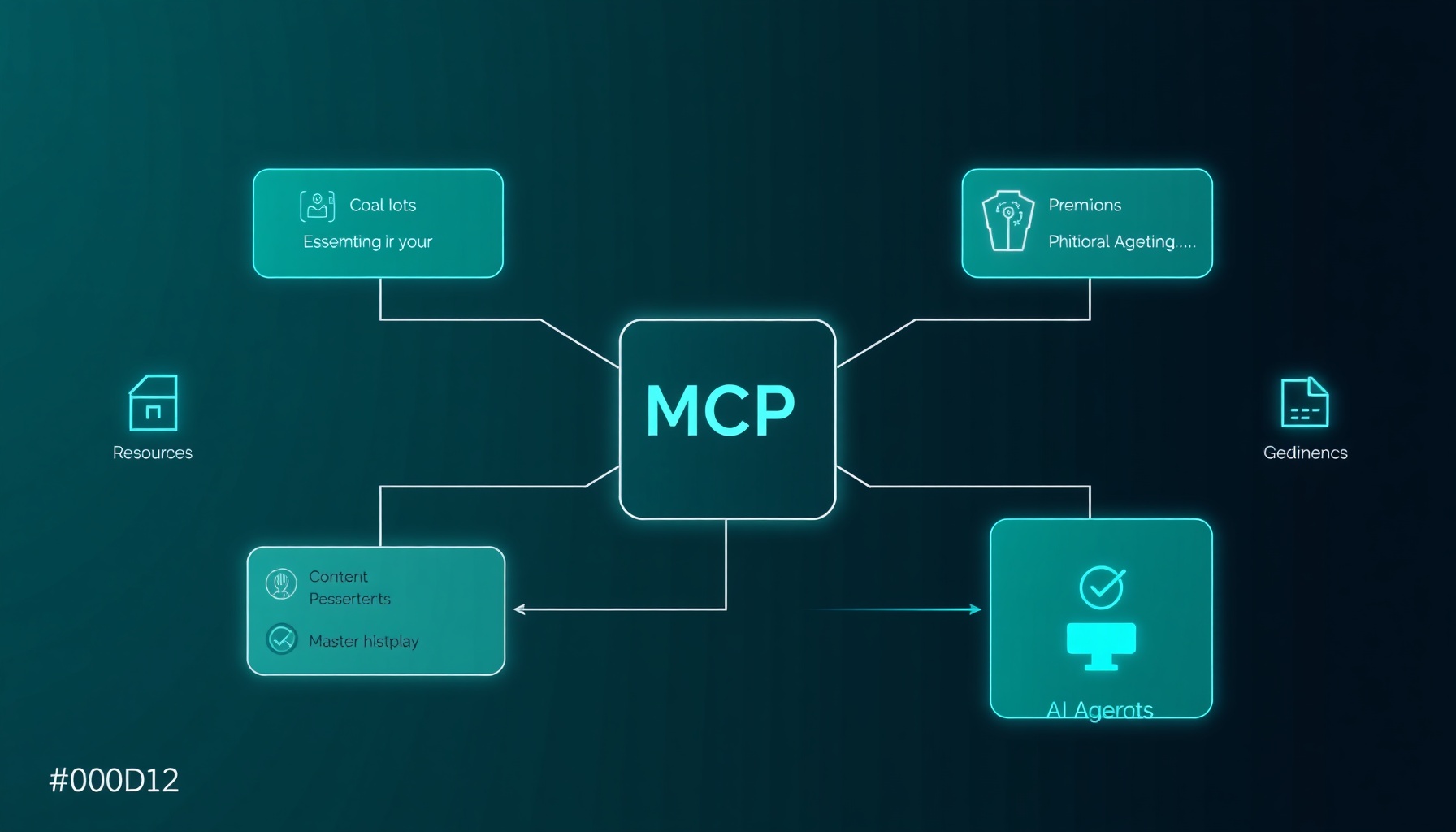
TL;DR: The Model Context Protocol (MCP) is the emerging standard for connecting AI agents to external tools, data, and workflows. By June 2026, 41% of surveyed software organizations have MCP servers in limited or broad production Stacklok, 2026 Software Supply Chain Survey, Q2 2026. — Reported…. FastMCP (v3.4.2, June 2026) — now the official high-level API of the MCP Python SDK — powers over 70% of MCP servers across all languages FastMCP PyPI page, fastmcp 3.4.2, June 2026. — States FastMCP pow…. This guide walks through building, securing, deploying, and monitoring MCP servers with production-ready code for each stage.
Why MCP Matters in 2026
The Model Context Protocol standardizes how AI agents discover and call external tools. Before MCP, every agent framework — OpenAI, Anthropic, LangChain, AutoGen — had its own tool format. MCP unified them under a single protocol: tools register once and work across any MCP-compatible client.
The adoption figures back this up. Stacklok’s 2026 survey found 41% of organizations have MCP servers in production, and the US Cybersecurity and Infrastructure Security Agency (CISA) published security guidance for MCP deployments in June 2026, signaling mainstream adoption Stacklok, 2026 Software Supply Chain Survey, Q2 2026. — Reported…CISA, Model Context Protocol (MCP): Security Design Considerations…. The protocol itself is moving toward a 2.0 specification with a stateless core and extensions model, expected RC in July 2026 MCP Blog, The 2026-07-28 MCP Specification Release Candidate, Jul….
The bottom line: If you’re building AI tooling in 2026, MCP is the integration layer. There’s no second protocol with this level of industry buy-in.
FastMCP vs Raw SDK: What to Use
The MCP Python SDK (pip install mcp, v1.28.0 as of June 2026) provides the raw protocol implementation. It includes the FastMCP class — originally the standalone fastmcp package (v3.4.2, June 2026), now incorporated as the recommended high-level API MCP Python SDK, mcp v1.28.0, PyPI, June 16, 2026. — Official MCP…PrefectHQ, fastmcp: The fast, Pythonic way to build MCP servers an….
| Layer | Use When | Install |
|---|---|---|
| FastMCP (high-level) | 90% of use cases — tools, resources, prompts via decorators | pip install fastmcp |
| Raw SDK (low-level) | Custom transport, protocol extensions, non-Python interop | pip install mcp |
FastMCP is the default choice. You only need the raw SDK for edge cases like custom transports or protocol extensions.
# Install FastMCP
pip install fastmcp

# With uv (recommended for speed)
uv pip install fastmcp
Your First MCP Server
The simplest possible MCP server in FastMCP:
from fastmcp import FastMCP

# Create a server
mcp = FastMCP("greeter")

# Define a tool
@mcp.tool()
def greet(name: str) -> str:
    """Greet someone by name."""
    return f"Hello, {name}!"

# Run the server (stdio transport by default)
if __name__ == "__main__":
    mcp.run()
Run it:
python server.pyThis server listens over stdio transport — ideal for local development and agent-internal tooling. The docstring "Greet someone by name." becomes the tool description that the LLM sees when deciding whether to call it.
How It Works
FastMCP uses Python type hints and docstrings to auto-generate the MCP tool schema:
{
  "name": "greet",
  "description": "Greet someone by name.",
  "inputSchema": {
    "type": "object",
    "properties": {
      "name": {"type": "string"}
    },
    "required": ["name"]
  }
}
When an MCP client (Claude Desktop, OpenAI Agents SDK, VS Code extensions, etc.) connects to your server, it calls tools/list to discover available tools, then tools/call with the appropriate arguments. You don’t write any protocol boilerplate.
The Three MCP Primitives
MCP defines three core primitives. Every server exposes some combination of them.
Tools (Model Actions)
Tools are callable functions that the LLM can invoke. This is the most common primitive and the one you’ll use for most integrations:
@mcp.tool()
def weather_forecast(city: str, units: str = "celsius") -> str:
    """Get the current weather forecast for a city.

    Args:
        city: City name (e.g., "San Francisco")
        units: Temperature units, "celsius" or "fahrenheit"
    """
    # In production, call a real weather API
    return f"25° {units}, partly cloudy in {city}"
Resources (Data That the LLM Reads)
Resources expose data as content the LLM can read. Think of them as “read-only files” the model can access:
@mcp.resource("docs://project-overview")
def project_overview() -> str:
    """Provides the project overview document."""
    return """# Project Overview
This MCP server powers the internal Q&A agent for Acme Corp.
Key endpoints: knowledge-base search, ticket lookup, user status.
"""
Resources use URI-style paths (docs://project-overview, data://users/123). The LLM discovers them via resources/list and reads content via resources/read.
Prompts (Reusable Templates)
Prompts are pre-written templates that guide the LLM on how to use the server effectively:
@mcp.prompt()
def sql_expert(schema: str = "public") -> str:
    """You are an expert SQL analyst. Users will ask questions about
    the database, and you should write and execute SQL queries to answer them.

    Available tables: users, orders, products, payments

    Always verify your query is correct before executing.
    Return results as formatted tables with explanation."""
Prompts serve as onboarding — they tell the LLM the conventions, context, and constraints for interacting with your server’s tools and resources.
Adding Real Tools: Building a Practical Server
Let’s build something useful — a system monitoring MCP server that checks disk usage, system load, and running services:
import subprocess
import json
from pathlib import Path
from fastmcp import FastMCP

mcp = FastMCP("sysmon")

@mcp.tool()
def disk_usage(path: str = "/") -> str:
    """Check disk usage for a given mount point.

    Args:
        path: Filesystem path to check (default: /)
    """
    result = subprocess.run(
        ["df", "-h", path], capture_output=True, text=True, timeout=10
    )
    return result.stdout

@mcp.tool()
def system_load() -> str:
    """Get current CPU load averages (1, 5, 15 min)."""
    with open("/proc/loadavg") as f:
        return f.read().strip()

@mcp.tool()
def service_status(service_name: str) -> str:
    """Check if a systemd service is running.

    Args:
        service_name: Name of the systemd service (e.g., "nginx")
    """
    result = subprocess.run(
        ["systemctl", "is-active", service_name],
        capture_output=True, text=True, timeout=10
    )
    return result.stdout.strip()
Key production considerations with tool design:
- Keep tools focused — each tool does one thing. Don’t create a “do-everything” tool with 15 parameters.
- Short description — the docstring should be 1-2 sentences. The LLM reads it to decide whether to call this tool.
- Parameter names matter —
city_nameis better thanarg1. The LLM uses parameter names and types to build arguments. - Timeout all IO —
subprocess.run(..., timeout=10)prevents tool calls from hanging forever.
Error Handling in Tools
Production tools need proper error handling. The LLM needs to know when something went wrong and why:
@mcp.tool()
def query_database(sql: str, max_rows: int = 100) -> str:
    """Execute a read-only SQL query against the analytics database.

    Args:
        sql: SQL query string (SELECT only)
        max_rows: Maximum rows to return (default: 100, max: 1000)
    """
    sql_upper = sql.strip().upper()
    if not sql_upper.startswith("SELECT"):
        return "ERROR: Only SELECT queries are allowed on this tool."

    if max_rows > 1000:
        max_rows = 1000

    try:
        # Your database logic here
        import sqlite3
        conn = sqlite3.connect("analytics.db")
        cursor = conn.cursor()
        cursor.execute(sql)
        rows = cursor.fetchmany(max_rows)
        conn.close()
        return json.dumps(rows, default=str)
    except Exception as e:
        return f"ERROR: Query failed — {str(e)}"
Transport Modes: stdio vs SSE vs StreamableHTTP
MCP supports three transport modes. Your choice depends on where the server runs.
| Transport | Use Case | Connection | Latency |
|---|---|---|---|
| stdio | Local agents, dev, embedded | Process pipe | Lowest |
| SSE | Remote production, long tools | Persistent TCP | Moderate |
| StreamableHTTP | Remote production, stateless | Short-lived HTTP | Low |
stdio (Default)
For servers that run alongside the agent (same machine, spawned as a subprocess):
# Already the default — just call:
mcp.run()
Used by Claude Desktop, VS Code MCP extensions, and local agent frameworks.
SSE (Server-Sent Events)
For remote servers with persistent connections, suitable for long-running tool calls:
# server.py
mcp.run(transport="sse", host="0.0.0.0", port=8000)
# Start
python server.py
# Server listens on http://0.0.0.0:8000/sseStreamableHTTP (Recommended for Production)
The newer transport that combines SSE’s streaming capability with HTTP’s simplicity:
from fastmcp.server.lifespan import Lifespan

# Using the lifespan feature for startup/shutdown hooks
@mcp.lifespan()
def lifespan():
    # Called once at server startup
    print("Server starting up...")
    db_pool = create_db_pool()
    yield {"db": db_pool}
    # Called on shutdown
    db_pool.close()
    print("Server shutting down...")

# Run with StreamableHTTP
mcp.run(transport="streamable-http", host="0.0.0.0", port=8000)
The APS IG deployment guide recommends StreamableHTTP for production remote MCP servers over stdio for isolation and over SSE for stateless operations APS IG, Deploy an MCP Server to Production with Docker, February….
Authentication and Authorization
MCP itself doesn’t mandate auth — it’s transport-layer responsibility. For production servers accessible over the network, you must add auth.
Token-Based Auth with FastMCP Middleware
from fastmcp import FastMCP
from fastmcp.middleware import Middleware

mcp = FastMCP("secure-server")

# In-memory token store
VALID_TOKENS = {"sk-prod-abc123": "admin", "sk-readonly-def456": "reader"}

class AuthMiddleware(Middleware):
    async def process_request(self, request):
        auth_header = request.headers.get("Authorization", "")
        token = auth_header.replace("Bearer ", "")

        if token not in VALID_TOKENS:
            return {"error": "Unauthorized", "status": 401}

        request.context["role"] = VALID_TOKENS[token]
        return request

mcp.add_middleware(AuthMiddleware())
CISA Security Recommendations
The June 2026 CISA guidelines recommend CISA, Model Context Protocol (MCP): Security Design Considerations…:
- Authenticate every request — no anonymous MCP endpoints in production
- Audit all tool invocations — log every
tools/callwith timestamp, tool name, and caller identity - Scoped permissions — each tool should check that the caller has the required permission before executing
- Input validation — sanitize all arguments before passing to underlying systems
Rate Limiting
MCP servers expose your systems to LLM-driven traffic, which can be bursty. The Zuplo team documented cases of production MCP servers being overwhelmed by runaway agent loops Zuplo, Never Ship an MCP Server Without a Rate Limit, May 18, 202…:
import time
from collections import defaultdict
from functools import wraps

# Simple in-memory rate limiter
call_counts = defaultdict(list)
RATE_LIMIT = 60  # calls per minute
WINDOW = 60  # seconds

def rate_limited(tool_func):
    @wraps(tool_func)
    def wrapper(*args, **kwargs):
        # Simplified rate check
        now = time.time()
        window_start = now - WINDOW
        call_counts[tool_func.__name__] = [
            t for t in call_counts[tool_func.__name__]
            if t > window_start
        ]
        if len(call_counts[tool_func.__name__]) >= RATE_LIMIT:
            return f"ERROR: Rate limit exceeded. Try again in {int(WINDOW - (now - call_counts[tool_func.__name__][0]))} seconds."
        call_counts[tool_func.__name__].append(now)
        return tool_func(*args, **kwargs)
    return wrapper

@mcp.tool()
@rate_limited
def expensive_search(query: str) -> str:
    """Search the document store (rate-limited to 60 calls/min)."""
    # Your search logic
    return f"Results for: {query}"
For production, use a Redis-backed rate limiter instead of in-memory dictionaries — they survive server restarts and work across multiple instances.
Docker Deployment
Containerization provides isolation, portability, and consistent behavior across environments:
# Dockerfile
FROM python:3.12-slim

WORKDIR /app

# Install system dependencies
RUN apt-get update && apt-get install -y --no-install-recommends \
    ca-certificates \
    && rm -rf /var/lib/apt/lists/*

# Install FastMCP
RUN pip install --no-cache-dir fastmcp uvicorn

# Copy server code
COPY server.py .

# Expose the port
EXPOSE 8000

# Run with StreamableHTTP transport
CMD ["python", "server.py"]
# docker-compose.yml
version: "3.8"
services:
mcp-server:
build: .
ports:
- "8000:8000"
environment:
- MCP_AUTH_TOKEN=${MCP_AUTH_TOKEN}
- LOG_LEVEL=info
restart: unless-stopped
healthcheck:
test: ["CMD", "python", "-c", "import urllib.request; urllib.request.urlopen('http://localhost:8000/health')"]
interval: 30s
timeout: 10s
retries: 3# Build and run
docker compose up -dThe MCP Playground production guide recommends adding health checks, environment-based config, and a non-root user inside the container MCP Playground, Deploy an MCP Server to Production with Docker (Co….
Observability and Monitoring
Production MCP servers need the same observability as any other service:
Structured Logging
import structlog
from fastmcp import FastMCP

logger = structlog.get_logger()
mcp = FastMCP("observable-server")

@mcp.tool()
def user_lookup(user_id: str) -> str:
    """Look up a user by ID."""
    logger.info("user_lookup_called", user_id=user_id)
    # Your logic
    return f"User {user_id} found"
Health Endpoint
A health check endpoint lets your load balancer and monitoring system verify the server is alive:
@mcp.tool()
def _health() -> str:
    """INTERNAL: Health check endpoint (not exposed to LLMs)."""
    return json.dumps({
        "status": "ok",
        "version": "1.0.0",
        "uptime_seconds": time.time() - start_time
    })
Note: Prepend an underscore to tools you don’t want the LLM to see. FastMCP excludes tools starting with _ from the tools/list response.
Metrics for Prometheus
from prometheus_client import Counter, Histogram, start_http_server

tool_calls = Counter("mcp_tool_calls_total", "Total tool calls", ["tool"])
tool_duration = Histogram("mcp_tool_duration_seconds", "Tool call duration", ["tool"])

@mcp.tool()
@tool_duration.labels("search").time()
def search(query: str) -> str:
    tool_calls.labels("search").inc()
    # Your search logic
    return f"Results for: {query}"
Testing MCP Servers
FastMCP includes test utilities for validating your tools without a running server:
# test_server.py
from fastmcp import FastMCP

def test_greet_tool():
    mcp = FastMCP("test")

    @mcp.tool()
    def greet(name: str) -> str:
        """Greet someone by name."""
        return f"Hello, {name}!"

    # Call the tool directly
    assert greet("World") == "Hello, World!"

def test_tool_schema():
    mcp = FastMCP("test")

    @mcp.tool()
    def add(a: int, b: int) -> int:
        """Add two numbers."""
        return a + b

    # Test type handling
    assert add(3, 4) == 7
    assert add(-1, 1) == 0
For integration testing, start the server with mcp.run(transport="stdio") in a subprocess and use mcp.client.StdioClient to connect.
Production Checklist
Before deploying your MCP server to production, verify each item:
| Check | Why | How |
|---|---|---|
| Auth enabled | Prevents unauthorized access | Token-based or OAuth2 middleware |
| Rate limiting | Prevents LLM runaway loops | Redis-backed rate limiter |
| Input validation | Prevents injection attacks | Validate all tool parameters |
| Timeouts | Prevents hung tool calls | timeout= on all IO operations |
| Health endpoint | DF) CISA, “Model Context Protocol (MCP): Security Design Considerations for Deploying,” June 2, 2026. — First US government security guidance for MCP deployments. https://media.defense.gov/2026/Jun/02/2003943289/-1/-1/0/CSI_MCP_SECURITY.PDF |
MCP Blog, The 2026-07-28 MCP Specification Release Candidate, Jul… MCP Blog, “The 2026-07-28 MCP Specification Release Candidate,” July 28, 2026. — Moving toward MCP 2.0 with stateless core and extensions model. https://blog.modelcontextprotocol.io/posts/2026-07-28-release-candidate/
MCP Python SDK, mcp v1.28.0, PyPI, June 16, 2026. — Official MCP… MCP Python SDK, “mcp v1.28.0,” PyPI, June 16, 2026. — Official MCP Python SDK with incorporated FastMCP API. https://pypi.org/project/mcp/
PrefectHQ, fastmcp: The fast, Pythonic way to build MCP servers an… PrefectHQ, “fastmcp: The fast, Pythonic way to build MCP servers and clients,” GitHub. — FastMCP repository (now part of official SDK). https://github.com/PrefectHQ/fastmcp
APS IG, Deploy an MCP Server to Production with Docker, February… APS IG, “Deploy an MCP Server to Production with Docker,” February 2026. — Recommends StreamableHTTP for production remote MCP servers. https://mcpplaygroundonline.com/blog/deploy-mcp-server-docker-production-guide
Zuplo, Never Ship an MCP Server Without a Rate Limit, May 18, 202… Zuplo, “Never Ship an MCP Server Without a Rate Limit,” May 18, 2026. — Documents runaway agent loop risks. https://zuplo.com/blog/never-ship-mcp-server-without-rate-limit
MCP Playground, Deploy an MCP Server to Production with Docker (Co… MCP Playground, “Deploy an MCP Server to Production with Docker (Complete Guide),” February 12, 2026. — Production deployment patterns for MCP. https://mcpplaygroundonline.com/blog/deploy-mcp-server-docker-production-guide
← Back to all posts