The bottom line: Most MCP servers ship without automated tests. As MCP adoption reached 97 million monthly SDK downloads by March 2026, the gap between prototype and production is increasingly defined by testing discipline ContextQA. What Is MCP in Software Testing? A QA Guide for 2026….. Testing MCP servers is different from testing regular APIs — you need to validate JSON-RPC protocol compliance, tool schema correctness, error recovery under failure injection, and integration with both the LLM and downstream services. This guide covers the full testing stack: in-memory unit tests with FastMCP Client, mock strategies for external dependencies, schema contract testing, error scenario coverage, CI/CD pipeline integration, and a complete test suite template you can adapt.
Why MCP Testing Is Different
Testing an MCP server is not the same as testing a REST API. Three properties make it distinct:
- Bidirectional protocol — MCP uses JSON-RPC 2.0 with initialization handshake, capability negotiation, and lifecycle management. A tool that works in isolation may fail after the initialize/startup sequence Testomat.io. How to Test MCP Server: Top Testing Tools & Methods i….
- Indeterminate caller — The LLM calling your tools may hallucinate method names, pass wrong parameter types, or send malformed JSON. Your server must handle both valid and invalid inputs gracefully Truto Blog. How to Test and Mock MCP Servers in CI/CD Without Hitt….
- Downstream dependency chain — An MCP tool typically wraps a third-party API (HubSpot, Jira, Slack). Testing the tool in isolation misses integration failures in pagination, rate limiting, and auth refresh Truto Blog. How to Test and Mock MCP Servers in CI/CD Without Hitt….
The result: 73% of MCP production outages originate at the transport/protocol layer, yet this is the most commonly overlooked testing surface Zeo Blog. MCP Server Observability: Monitoring, Testing & Performa….
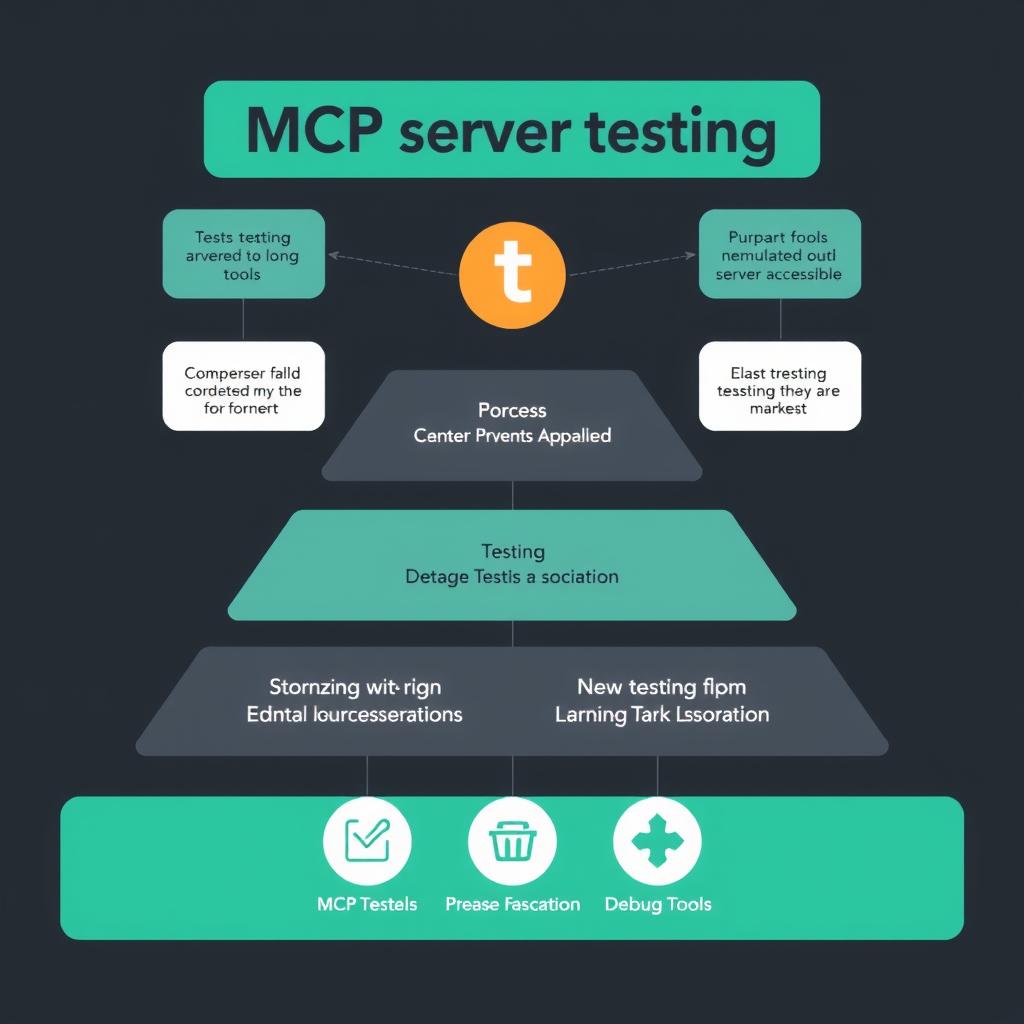
The Testing Pyramid for MCP Servers
        ┌─────────────┐
        │  E2E Tests  │  ← Full agent + real MCP + real API (rare, pre-release)
       ┌┴─────────────┴┐
       │ Integration    │  ← Real MCP + mocked downstream APIs
      ┌┴───────────────┴┐
      │ Contract Tests   │  ← Schema validation, protocol compliance
     ┌┴─────────────────┴┐
     │ Unit Tests          │  ← In-memory FastMCP Client, tool logic in isolation
     └─────────────────────┘
The majority of your testing effort should live in the bottom two layers — fast, deterministic, and runnable on every commit FastMCP Documentation. Testing your FastMCP Server. 2026..
Layer 1: In-Memory Unit Tests with FastMCP Client
The fastest way to test an MCP server is to connect to it directly in-process, avoiding subprocess overhead and network ports. The FastMCP Client provides this via Client(mcp) — it creates an in-memory transport that exercises the full protocol stack (serialization, tool registration, argument validation) without any external dependencies FastMCP Documentation. Testing your FastMCP Server. 2026..
Setup
pip install pytest pytest-asyncio fastmcpConfigure pytest for automatic async handling in pyproject.toml:
[tool.pytest.ini_options]
asyncio_mode = "auto"
This eliminates the need for @pytest.mark.asyncio on every test FastMCP Documentation. Testing your FastMCP Server. 2026..
Basic Test Fixture
# test_server.py
import pytest
from fastmcp import FastMCP, Client

@pytest.fixture
def server():
    """Create a fresh server instance for each test."""
    mcp = FastMCP("TestServer")

    @mcp.tool()
    def calculate(x: int, y: int) -> int:
        return x + y

    @mcp.tool()
    def lookup_user(email: str) -> dict:
        if "@" not in email:
            raise ValueError("Invalid email format")
        return {"name": "Test User", "email": email}

    return mcp

@pytest.fixture
async def client(server):
    async with Client(server) as c:
        yield c

async def test_tool_discovery(client: Client):
    """Verify all tools are registered and discoverable."""
    tools = await client.list_tools()
    tool_names = [t.name for t in tools]
    assert "calculate" in tool_names
    assert "lookup_user" in tool_names
    assert len(tools) == 2
Testing Tool Execution with Parameters
import json
from fastmcp.client import Client

async def test_calculate_happy_path(client: Client):
    result = await client.call_tool("calculate", {"x": 5, "y": 3})

    # FastMCP Client result provides three accessors:
    # .data       — unwrapped return value
    # .content    — MCP content blocks (list of TextContent, etc.)
    # .structured_content — raw structured payload
    assert result.data == 8
    assert result.content[0].text == "8"

async def test_calculate_parametrized(client: Client):
    """Test multiple input combinations via parametrize."""
    import pytest

@pytest.mark.parametrize(
    "x, y, expected",
    [
        (1, 2, 3),
        (-1, 1, 0),
        (0, 0, 0),
        (100, 200, 300),
        (-5, -7, -12),
    ],
)
async def test_calculate_variants(x, y, expected, client: Client):
    result = await client.call_tool("calculate", {"x": x, "y": y})
    assert result.data == expected
Testing Error Handling
async def test_invalid_input_validation(client: Client):
    """Missing required parameters should raise a validation error."""
    with pytest.raises(Exception) as exc:
        await client.call_tool("calculate", {})
    assert "required" in str(exc.value).lower()

async def test_invalid_email_format(client: Client):
    """Business logic validation inside tools."""
    with pytest.raises(Exception) as exc:
        await client.call_tool("lookup_user", {"email": "notanemail"})
    assert "invalid email" in str(exc.value).lower()

async def test_wrong_parameter_types(client: Client):
    """String where int expected should fail schema validation."""
    with pytest.raises(Exception) as exc:
        await client.call_tool("calculate", {"x": "abc", "y": 2})
    # Should fail type coercion
Testing Complex Return Types
For tools returning structured data, use inline snapshot testing for readability and automatic updates FastMCP Documentation. Testing your FastMCP Server. 2026.:
pip install inline-snapshotfrom inline_snapshot import snapshot
async def test_lookup_user_snapshot(client: Client):
result = await client.call_tool("lookup_user", {"email": "[email protected]"})
parsed = json.loads(result.content[0].text)
assert parsed == snapshot({"name": "Test User", "email": "[email protected]"})Run pytest --inline-snapshot=fix,create to auto-fill snapshot values on first run.
Layer 2: Mocking External Dependencies
Most MCP tools wrap third-party APIs. Testing with real APIs introduces flaky test failures from rate limits and network issues Truto Blog. How to Test and Mock MCP Servers in CI/CD Without Hitt…. Mocking at the HTTP layer keeps tests deterministic without sacrificing coverage.
Mocking HTTP Calls (Python)
from unittest.mock import AsyncMock, patch

async def test_weather_tool_with_mocked_api(server):
    @server.tool()
    async def fetch_weather(city: str) -> dict:
        import httpx
        async with httpx.AsyncClient() as client:
            resp = await client.get(f"https://api.weather.com/v1/{city}")
            return resp.json()

    async with Client(server) as client:
        mock_response = AsyncMock()
        mock_response.json = AsyncMock(return_value={
            "temp": 72, "condition": "sunny", "humidity": 45
        })

        with patch("httpx.AsyncClient.get", return_value=mock_response):
            result = await client.call_tool("fetch_weather", {"city": "NYC"})
            weather = json.loads(result.content[0].text)
            assert weather["temp"] == 72
            assert weather["condition"] == "sunny"
Mocking with WireMock (HTTP-Level Stubbing)
For integration tests that run a real MCP server against a fake downstream API, WireMock provides declarative stubbing. MCP server’s base URL points at http://localhost:8089 during tests Truto Blog. How to Test and Mock MCP Servers in CI/CD Without Hitt….
{
  "request": {
    "method": "GET",
    "urlPathPattern": "/crm/v3/objects/contacts"
  },
  "response": {
    "status": 200,
    "headers": {
      "Content-Type": "application/json",
      "ratelimit-limit": "100",
      "ratelimit-remaining": "42",
      "ratelimit-reset": "30"
    },
    "jsonBody": {
      "results": [{"id": "1", "properties": {"firstname": "Test"}}],
      "paging": {"next": {"after": "cursor_abc"}}
    }
  }
}
This validates:
- Pagination handling (cursor traversal)
- Rate limit header parsing (the
ratelimit-remainingheader) - Server-side error envelope structure
- Auth token refresh flow
Mocking Read vs. Write Tools
Split tools into read/write categories. In CI, monkey-patch writes to log-only and assert no unintended side effects Truto Blog. How to Test and Mock MCP Servers in CI/CD Without Hitt…:
def test_no_write_tools_called_during_read_only_query(server, client):
    """Regression: read-only queries must never trigger write tools."""

    write_tools_called = []

    original_call = server.call_tool

    async def tracking_call(tool_name, arguments):
        if tool_name in ("create_issue", "update_record", "send_email"):
            write_tools_called.append(tool_name)
            return {"content": [{"type": "text", "text": "[MOCKED] Write suppressed"}]}
        return await original_call(tool_name, arguments)

    with patch.object(server, "call_tool", tracking_call):
        # This should only call read-only tools

    assert len(write_tools_called) == 0, f"Write tools called: {write_tools_called}"
Layer 3: Protocol Compliance and Schema Contract Tests
The MCP Inspector, Anthropic’s official testing tool, validates protocol-level compliance. Run it headlessly in CI to assert tool catalog contents Testomat.io. How to Test MCP Server: Top Testing Tools & Methods i…:
npx -y @modelcontextprotocol/inspector --cli \
  node ./dist/mcp-server.js \
  --method tools/list > tools.json

jq -e '.tools | map(.name) | contains(["fetch_weather", "lookup_user"])' tools.json
Schema-Aware Synthetic Data Generation
Generate test fixtures from your MCP server’s JSON Schema to validate that tools handle the full parameter space Truto Blog. How to Test and Mock MCP Servers in CI/CD Without Hitt…:
from hypothesis import strategies as st
from hypothesis_jsonschema import from_schema

def test_agent_handles_any_valid_user_input(server, client):
    """Fuzz test: generate random valid inputs from tool schema."""

    # Extract schema from registered tools
    tools = await client.list_tools()
    schema = next(
        t for t in tools if t.name == "lookup_user"
    ).inputSchema

    @given(from_schema(schema))
    async def run_with_random_input(params):
        try:
            result = await client.call_tool("lookup_user", params)
            assert result is not None
        except (ValueError, TypeError):
            pass  # Expected for domain-valid but schema-valid params

    await run_with_random_input()
This catches edge cases that static test data misses — and avoids PII leaks since all data is synthetic Truto Blog. How to Test and Mock MCP Servers in CI/CD Without Hitt….
Golden Trajectory Diffing
For agent-level tests that exercise multiple tools in sequence, record tool call orders and diff against a golden file Truto Blog. How to Test and Mock MCP Servers in CI/CD Without Hitt…:
import json
from pathlib import Path

GOLDEN_PATH = Path("tests/golden/user-lookup-trajectory.json")

def test_agent_trajectory_matches_golden(client):
    """Assert tool call sequence matches expected golden trajectory."""
    trajectory = []

    async def record_tool_calls():
        # Simulate the sequence of tool calls an agent would make
        calls = [
            ("lookup_user", {"email": "[email protected]"}),
            ("calculate", {"x": 42, "y": 1}),
        ]
        for name, args in calls:
            await client.call_tool(name, args)
            trajectory.append({"tool": name, "arguments": args})

    # Load and diff
    golden = json.loads(GOLDEN_PATH.read_text())
    assert len(trajectory) == len(golden)
    for actual, expected in zip(trajectory, golden):
        assert actual["tool"] == expected["tool"]
        # Semantic equivalence: 80% arg overlap instead of strict equality
        overlap = set(actual["arguments"]) & set(expected["arguments"])
        assert len(overlap) / len(expected["arguments"]) > 0.8
CI/CD Pipeline Integration
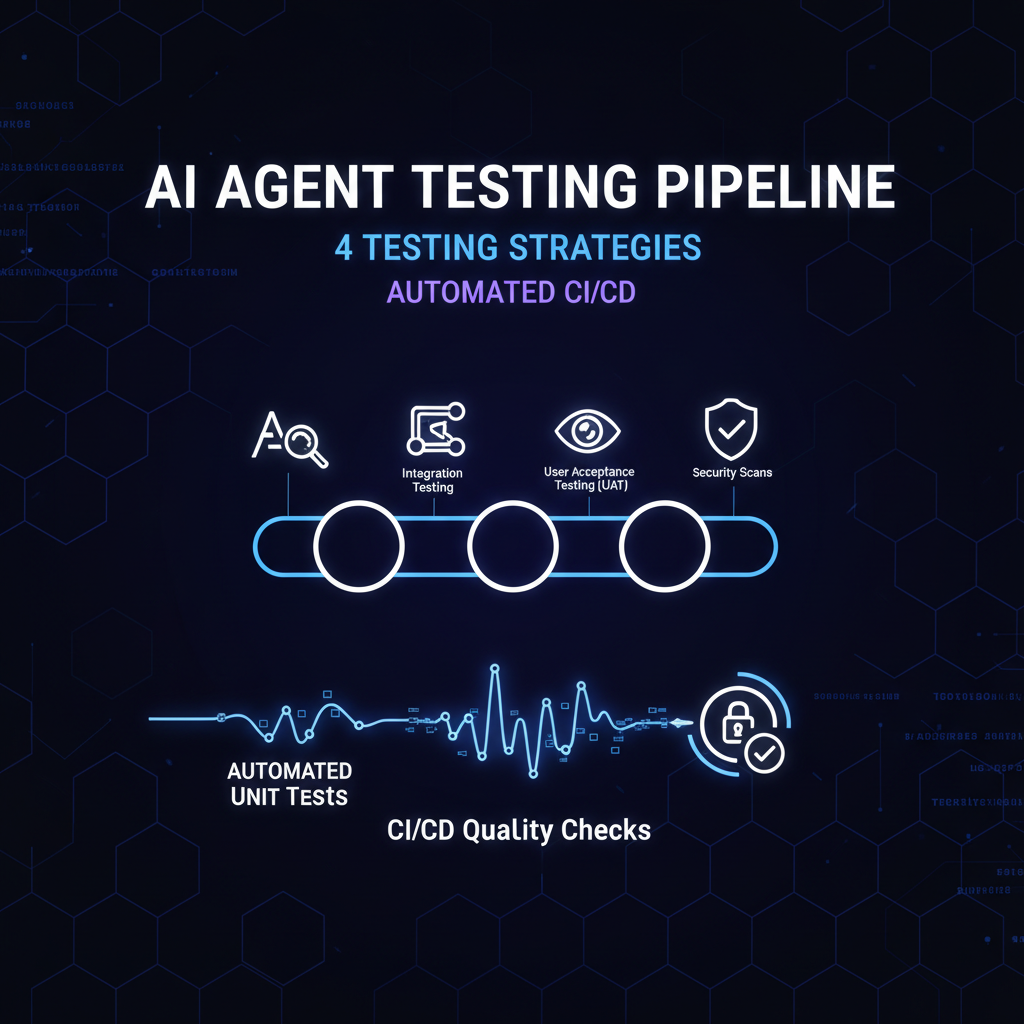
Every MCP server repository needs a CI pipeline that runs these tests on every push. The pipeline executes four stages, stopping if any stage fails Truto Blog. How to Test and Mock MCP Servers in CI/CD Without Hitt…:
GitHub Actions Workflow
# .github/workflows/mcp-server-tests.yml
name: MCP Server Tests

on:
  push:
    branches: [main, develop]
  pull_request:
    branches: [main]

env:
  PYTHON_VERSION: "3.11"

jobs:
  unit-and-contract:
    runs-on: ubuntu-latest
    steps:
      - uses: actions/checkout@v4

      - name: Set up Python
        uses: actions/setup-python@v5
        with:
          python-version: ${{ env.PYTHON_VERSION }}

      - name: Install dependencies
        run: |
          pip install -e ".[dev]"
          pip install pytest pytest-asyncio fastmcp inline-snapshot hypothesis hypothesis-jsonschema

      - name: Unit tests (in-memory, no network)
        run: pytest tests/unit/ -v --timeout=30 -x

      - name: Schema contract validation
        run: |
          npx -y @modelcontextprotocol/inspector --cli \
            python mcp_server.py --method tools/list \
            | jq -e '.tools | length > 0'

      - name: Integration tests (mocked downstream)
        run: |
          # Start WireMock with fixtures
          docker run -d --name wiremock -p 8089:8089 \
            -v ${{ github.workspace }}/tests/fixtures:/home/wiremock \
            wiremock/wiremock:latest
          pytest tests/integration/ -v --timeout=60 -x
          docker stop wiremock

      - name: Fuzz tests (generated schemas)
        run: pytest tests/fuzz/ -v --timeout=120

      - name: Check no stale markers or uncommitted changes
        run: |
          ! grep -r "HACK\|WIP" src/ --include="*.py"
Key Design Decisions
- Unit tests are the gate — They run first and fastest (<30s). A failing unit test blocks the entire pipeline, preventing wasted compute on integration or fuzz tests FastMCP Documentation. Testing your FastMCP Server. 2026..
- Integration tests use Docker — WireMock runs in a container for deterministic isolation. No real API keys are needed — fixtures live in the repo Truto Blog. How to Test and Mock MCP Servers in CI/CD Without Hitt….
- Fuzz tests have a longer timeout — Schema-generated tests explore the parameter space more thoroughly but take longer. They run last since they’re least likely to surface trivial bugs Truto Blog. How to Test and Mock MCP Servers in CI/CD Without Hitt….
- No real credentials in CI — Never point CI tests at production OAuth credentials, even read-only. A misconfigured list call becomes a load test against your customer’s tenant Truto Blog. How to Test and Mock MCP Servers in CI/CD Without Hitt….
Performance Benefit: Mock vs. Real
Mock endpoints execute up to 300% faster than real APIs (no network latency, no DB processing). An agent test suite with dozens of tool calls takes ~5 minutes mocked vs ~40 minutes hitting real APIs Truto Blog. How to Test and Mock MCP Servers in CI/CD Without Hitt….
Decision Matrix: Testing Investment by Team Size
| Team Size | Testing Layers | Minimum Run Time | Key Investment |
|---|---|---|---|
| Solo dev / prototype | Unit only | <30s | FastMCP Client fixture, 80% tool coverage |
| Small team (2-5) | Unit + contract | <2min | MCP Inspector headless, schema validation |
| Growing team (5-15) | Unit + contract + integration | <5min | WireMock fixtures, error scenario library |
| Enterprise (15+) | Full stack + fuzz + trajectory | <15min | Property-based testing, golden trajectory diffs |
Key Takeaways
- Test MCP servers in-memory using
fastmcp.Client(server)— this exercises the full JSON-RPC protocol stack without subprocess overhead or network ports, making tests fast and deterministic FastMCP Documentation. Testing your FastMCP Server. 2026.. - Mock all external API dependencies at the HTTP layer using WireMock or AsyncMock. Real API calls in CI cause flaky failures from rate limits, network issues, and data pollution Truto Blog. How to Test and Mock MCP Servers in CI/CD Without Hitt….
- Include a protocol compliance gate in CI using MCP Inspector’s headless mode to assert tool catalog content and schema correctness Testomat.io. How to Test MCP Server: Top Testing Tools & Methods i….
- Use property-based testing with
hypothesis-jsonschemato generate synthetic test inputs from your tool schemas — this catches edge cases that static fixtures miss Truto Blog. How to Test and Mock MCP Servers in CI/CD Without Hitt…. - Split tests into a four-stage CI pipeline: unit (fastest, gate), contract, integration, fuzz (slowest). Fail fast on unit test failures to conserve CI budget Truto Blog. How to Test and Mock MCP Servers in CI/CD Without Hitt….
- Mocked test suites run 3x faster than real API tests — 5 minutes vs 40 minutes for a typical suite of 50+ tool calls Truto Blog. How to Test and Mock MCP Servers in CI/CD Without Hitt….
ContextQA. What Is MCP in Software Testing? A QA Guide for 2026…. ContextQA. “What Is MCP in Software Testing? A QA Guide for 2026.” March 2026. https://contextqa.com/blog/what-is-mcp-testing-model-context-protocol/
Testomat.io. How to Test MCP Server: Top Testing Tools & Methods i… Testomat.io. “How to Test MCP Server: Top Testing Tools & Methods in 2026.” 2026. https://testomat.io/blog/mcp-server-testing-tools/
Truto Blog. How to Test and Mock MCP Servers in CI/CD Without Hitt… Truto Blog. “How to Test and Mock MCP Servers in CI/CD Without Hitting Live APIs.” 2026. https://truto.one/blog/how-to-test-and-mock-mcp-servers-in-cicd-without-hitting-live-apis/
Zeo Blog. MCP Server Observability: Monitoring, Testing & Performa… Zeo Blog. “MCP Server Observability: Monitoring, Testing & Performance Metrics.” September 2025. https://zeo.org/resources/blog/mcp-server-observability-monitoring-testing-performance-metrics
FastMCP Documentation. Testing your FastMCP Server. 2026. FastMCP Documentation. “Testing your FastMCP Server.” 2026. https://gofastmcp.com/servers/testing
MCPcat. Unit Testing MCP Servers – Complete Testing Guide. 2026. MCPcat. “Unit Testing MCP Servers – Complete Testing Guide.” 2026. https://mcpcat.io/guides/writing-unit-tests-mcp-servers/
modelcontextprotocol/python-sdk GitHub. Issue #1252: Recommended w… modelcontextprotocol/python-sdk GitHub. “Issue #1252: Recommended way of writing unit tests for MCP endpoints.” 2026. https://github.com/modelcontextprotocol/python-sdk/issues/1252
Related Reads
- MCP Server Observability in Production — Instrumentation, metrics, and alerting for MCP servers in production
- MCP Server Production Deployment Patterns — Deployment architecture, auth, and scaling strategies for MCP servers
- Building MCP Tool Gateway with FastMCP — Production MCP server patterns for tool access layer
Cross-links automatically generated from NiteAgent.
← Back to all posts