TL;DR: The OpenAI Agents SDK (v0.14.0+, April 2026) gives you a standardized harness for building agents with function tools, hosted tools, handoffs, guardrails, and MCP connections — in a single package. This guide walks through each primitive with production-ready code, then builds a complete customer support agent that combines these patterns.
Companion code: All examples are available as runnable templates in the NiteAgent Cookbook. Clone,
pip install, and run.
What Changed in April 2026
The April 2026 update to the Agents SDK was a major capability release: sandbox-aware orchestration, configurable memory, native sandbox execution across seven providers (Blaxel, Cloudflare, Daytona, E2B, Modal, Runloop, Vercel), and standardized integrations for MCP, skills, and AGENTS.md OpenAI — The Next Evolution of the Agents SDK (April 15, 2026).
The SDK moved past the prototype trade-off between model-agnostic frameworks (that don’t fully exploit frontier models) and managed APIs (that constrain deployment). It provides a turnkey harness with flexible sandbox execution OpenAI — The Next Evolution of the Agents SDK (April 15, 2026).
The primitives haven’t changed much since the initial 0.1.x release, but the April update hardened them for production: tool guardrails, hosted container shell execution, deferred tool loading via ToolSearchTool, and the SandboxAgent for workspace-scoped runs OpenAI Agents SDK — Tools Documentation.
Installation and Setup
pip install "openai-agents>=0.14.0"You need an OpenAI API key with access to the Responses API. Set it in your environment:
export OPENAI_API_KEY="sk-..."Core Primitives
The SDK has four core concepts:
| Primitive | Purpose |
|---|---|
| Agent | An LLM configured with instructions, tools, and runtime behavior |
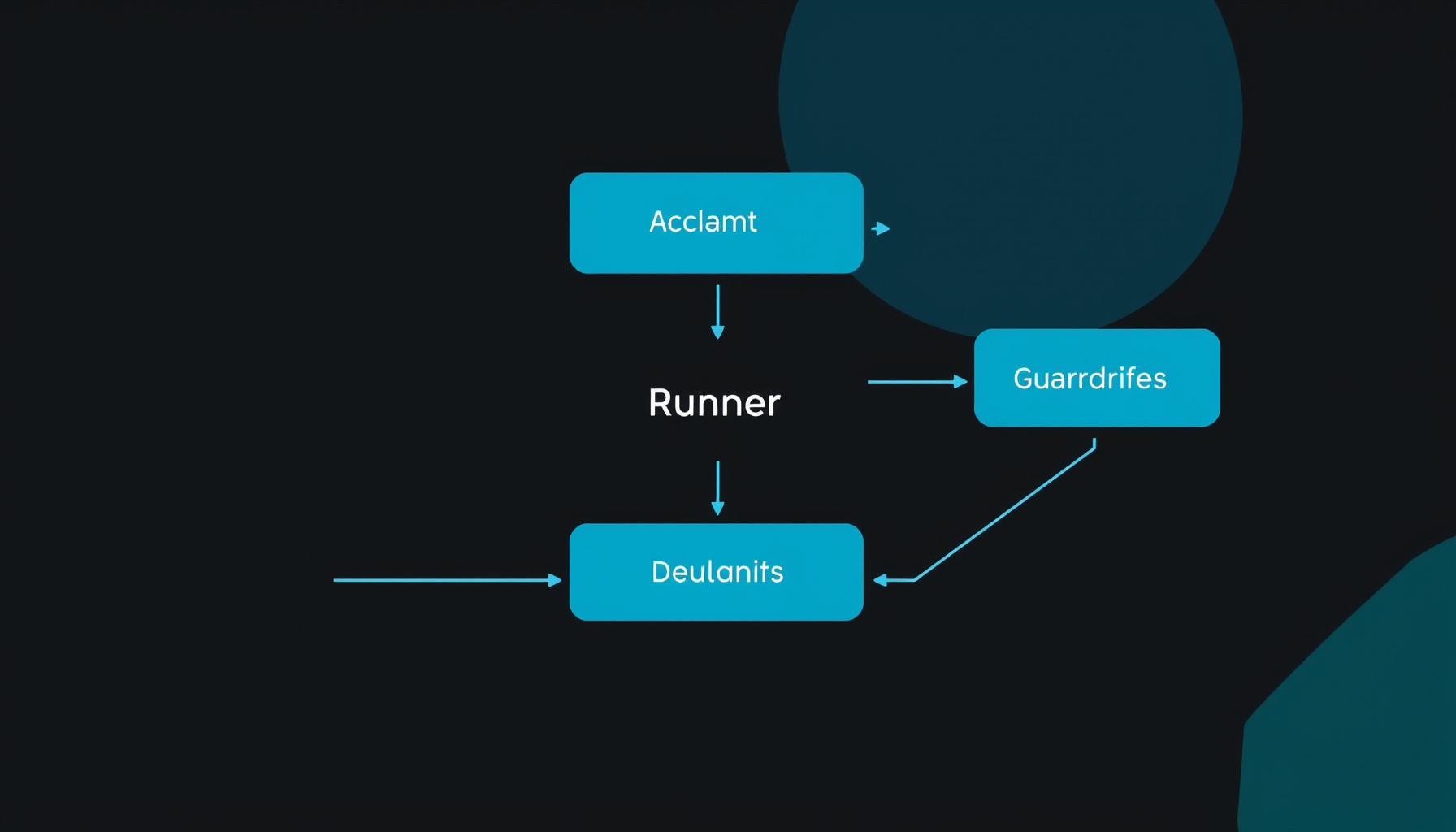
| Runner | Orchestrates turns, tool execution, guardrails, and handoffs |
| Tool | Anything an agent can call — functions, hosted tools, MCP servers |
| Guardrail | Validates inputs and outputs before/after execution |
Every agent starts the same way:
from agents import Agent, Runner

agent = Agent(
    name="Assistant",
    instructions="You are a helpful assistant.",
)

result = await Runner.run(agent, "What is the capital of France?")
print(result.final_output)
The Runner handles the loop: send input to the model, execute tool calls, send results back, repeat until the model produces a final output OpenAI Agents SDK — Agents Documentation.
Function Tools
Wrap any Python function as a tool with the @function_tool decorator:
from typing import Annotated
from agents import Agent, Runner, function_tool

@function_tool
def get_weather(city: str) -> str:
    """Get the current weather for a city."""
    return f"Weather in {city}: 22°C, partly cloudy"

@function_tool
def calculate_shipping(
    items: Annotated[list[str], "Product SKUs"],
    zip_code: Annotated[str, "5-digit ZIP code"],
) -> str:
    """Calculate shipping cost for a list of items to a ZIP code."""
    base_rate = 5.99
    item_fee = len(items) * 2.50
    return f"Shipping to {zip_code}: ${base_rate + item_fee:.2f}"

agent = Agent(
    name="Store assistant",
    instructions="Help customers with weather and shipping queries.",
    tools=[get_weather, calculate_shipping],
)
Key details:
- The function name becomes the tool name
- The docstring becomes the tool description
- Type annotations become parameter schemas (use
Annotatedfor descriptions) - Return value is passed back to the model as a string OpenAI Agents SDK — Tools Documentation
Deferred Loading for Large Tool Surfaces
If you have many tools, use defer_loading=True paired with ToolSearchTool() so the model only loads what it needs per turn OpenAI Agents SDK — Tools Documentation:
from agents import ToolSearchTool, function_tool, tool_namespace

@function_tool(defer_loading=True)
def get_customer_profile(customer_id: str) -> str:
    return f"profile for {customer_id}"

@function_tool(defer_loading=True)
def list_open_orders(customer_id: str) -> str:
    return f"open orders for {customer_id}"

crm = tool_namespace(
    name="crm",
    description="CRM tools for customer lookups.",
    tools=[get_customer_profile, list_open_orders],
)

agent = Agent(
    name="Ops assistant",
    tools=[*crm, ToolSearchTool()],
)
This cuts token usage by only loading tool schemas when the model requests them OpenAI Agents SDK — Tools Documentation.
Hosted Tools
Hosted tools run on OpenAI’s side and require an OpenAIResponsesModel. Available built-in tools:
WebSearchTool()— search the webFileSearchTool()— retrieve from OpenAI Vector StoresCodeInterpreterTool()— execute Python in a sandboxImageGenerationTool()— generate imagesHostedMCPTool()— expose remote MCP server tools OpenAI Agents SDK — Tools Documentation
from agents import Agent, FileSearchTool, WebSearchTool

agent = Agent(
    name="Research agent",
    tools=[
        WebSearchTool(),
        FileSearchTool(
            max_num_results=3,
            vector_store_ids=["vs_abc123"],
        ),
    ],
)
Hosted Container Shell
The ShellTool can run inside OpenAI-managed containers with skills, file mounts, and network policies OpenAI Agents SDK — Tools Documentation:
from agents import Agent, ShellTool

agent = Agent(
    name="Container shell agent",
    tools=[
        ShellTool(
            environment={
                "type": "container_auto",
                "network_policy": {"type": "disabled"},
            }
        )
    ],
)
Handoffs — Multi-Agent Orchestration
Handoffs let an agent delegate to a specialist. The transfer preserves full conversation history — the receiving agent sees everything as if it was there from the start OpenAI Agents SDK — Handoffs Documentation.
Basic Handoff
from agents import Agent, handoff

billing_agent = Agent(
    name="Billing agent",
    instructions="Handle billing inquiries, payment issues, and invoices.",
)

refund_agent = Agent(
    name="Refund agent",
    instructions="Process refunds and return requests.",
)

triage_agent = Agent(
    name="Triage agent",
    instructions="Route customers to the right specialist.",
    handoffs=[billing_agent, handoff(refund_agent)],
)
Handoff with Input Data
Pass structured metadata with the handoff:
from pydantic import BaseModel
from agents import Agent, handoff, RunContextWrapper

class EscalationData(BaseModel):
    reason: str
    priority: str  # "low", "medium", "high"

async def on_handoff(ctx: RunContextWrapper[None], input_data: EscalationData):
    print(f"Escalation: {input_data.reason} (priority: {input_data.priority})")

escalation_agent = Agent(name="Escalation agent")

handoff_obj = handoff(
    agent=escalation_agent,
    on_handoff=on_handoff,
    input_type=EscalationData,
)
Agents as Tools (Manager Pattern)
When you want a manager agent to retain control and call specialists for bounded subtasks, use Agent.as_tool() instead of handoffs OpenAI Agents SDK — Agent Orchestration:
from agents import Agent

research_agent = Agent(
    name="Research agent",
    instructions="Research topics thoroughly using web search.",
)

writing_agent = Agent(
    name="Writing agent",
    instructions="Write clear, well-structured content.",
)

manager_agent = Agent(
    name="Manager agent",
    instructions="Coordinate research and writing to produce complete articles.",
    tools=[
        research_agent.as_tool(
            tool_name="research_topic",
            tool_description="Research a topic and return findings",
        ),
        writing_agent.as_tool(
            tool_name="write_content",
            tool_description="Write content based on research findings",
        ),
    ],
)
When to use which: Use handoffs when the specialist should own the response. Use agents as tools when the manager needs to combine outputs from multiple specialists OpenAI Agents SDK — Agent Orchestration.
Guardrails — Input, Output, and Tool Validation
The SDK provides three guardrail types OpenAI Agents SDK — Guardrails Documentation:
| Type | When It Runs | Scope |
|---|---|---|
| Input guardrail | Before agent execution (first agent only) | Validates user input |
| Output guardrail | After agent completes (last agent only) | Validates final output |
| Tool guardrail | Around each function tool call | Validates tool inputs/outputs |
Input Guardrail
from pydantic import BaseModel
from agents import (
    Agent, GuardrailFunctionOutput, InputGuardrailTripwireTriggered,
    RunContextWrapper, Runner, input_guardrail,
)

class SafetyCheck(BaseModel):
    is_safe: bool
    reasoning: str

guardrail_agent = Agent(
    name="Safety check",
    instructions="Check if the user input contains harmful content.",
    output_type=SafetyCheck,
)

@input_guardrail
async def safety_guardrail(
    ctx: RunContextWrapper[None],
    agent: Agent,
    input: str | list,
) -> GuardrailFunctionOutput:
    result = await Runner.run(guardrail_agent, input, context=ctx.context)
    return GuardrailFunctionOutput(
        output_info=result.final_output,
        tripwire_triggered=not result.final_output.is_safe,
    )

agent = Agent(
    name="Support agent",
    instructions="Help customers with their inquiries.",
    input_guardrails=[safety_guardrail],
)
Output Guardrail
Same pattern, but uses the @output_guardrail decorator and runs on the final agent’s output OpenAI Agents SDK — Guardrails Documentation:
@output_guardrail
async def pii_guardrail(
    ctx: RunContextWrapper,
    agent: Agent,
    output: str,
) -> GuardrailFunctionOutput:
    # Check for PII in the output
    contains_pii = any(
        keyword in output.lower()
        for keyword in ["ssn", "credit card", "password"]
    )
    return GuardrailFunctionOutput(
        output_info={"contains_pii": contains_pii},
        tripwire_triggered=contains_pii,
    )
Execution Modes
Input guardrails support two modes:
- Parallel (default) — guardrail runs concurrently with the agent. Best latency, but tokens may be consumed if the guardrail fails.
- Blocking — guardrail completes before the agent starts. Prevents token consumption on tripwire OpenAI Agents SDK — Guardrails Documentation.
agent = Agent(
    name="Support agent",
    instructions="Help customers.",
    input_guardrails=[safety_guardrail],
    # Set in the runner call:
    # guardrail_execution_mode="blocking",
)
MCP Integration
The SDK supports MCP tools via mcp_servers on the Agent and HostedMCPTool for remote servers OpenAI Agents SDK — Tools Documentation.
Local MCP Servers (stdio)
from agents import Agent
from agents.mcp import MCPServerStdio

server = MCPServerStdio(
    params={
        "command": "python",
        "args": ["mcp_server.py"],
    },
)

agent = Agent(
    name="MCP agent",
    instructions="Use tools from the connected MCP server to help users.",
    mcp_servers=[server],
)
Remote MCP via HostedMCPTool
from agents import HostedMCPTool

agent = Agent(
    name="Remote MCP agent",
    tools=[
        HostedMCPTool(
            name="database_tools",
            tool_config={
                "url": "https://mcp-db.example.com/sse",
                "defer_loading": True,
            },
        )
    ],
)
MCP tools are automatically translated into tool schemas the model can call. The SDK handles the JSON-RPC transport, capability negotiation, and error handling OpenAI Agents SDK — Tools Documentation.
Complete Example: Customer Support Agent
This combines everything — function tools, hosted tools, handoffs, guardrails, and MCP — into a production-style customer support agent:
import asyncio
from pydantic import BaseModel
from agents import (
    Agent, GuardrailFunctionOutput, InputGuardrailTripwireTriggered,
    RunContextWrapper, Runner, function_tool, handoff, input_guardrail,
)
from agents import FileSearchTool, WebSearchTool

# --- Tools ---

@function_tool
def get_order_status(order_id: str) -> str:
    """Retrieve the status of a customer order."""
    # In production, query your order management system
    statuses = {
        "ORD-1001": "Shipped — arriving Jun 5",
        "ORD-1002": "Processing",
        "ORD-1003": "Delivered Jun 1",
    }
    return statuses.get(order_id, "Order not found")

@function_tool
def cancel_order(order_id: str) -> str:
    """Cancel an order that hasn't shipped yet."""
    return f"Order {order_id} has been cancelled."

# --- Guardrail ---

class ContentCheck(BaseModel):
    is_safe: bool
    reasoning: str

guardrail_agent = Agent(
    name="Content safety",
    instructions="Check if the message contains harmful content or PII requests.",
    output_type=ContentCheck,
)

@input_guardrail
async def content_safety_guardrail(
    ctx: RunContextWrapper[None],
    agent: Agent,
    input: str | list,
) -> GuardrailFunctionOutput:
    result = await Runner.run(guardrail_agent, input, context=ctx.context)
    return GuardrailFunctionOutput(
        output_info=result.final_output,
        tripwire_triggered=not result.final_output.is_safe,
    )

# --- Specialist Agents ---

billing_agent = Agent(
    name="Billing agent",
    instructions="Handle billing inquiries, payment issues, and invoices. "
                 "Use get_order_status to check order statuses.",
    tools=[get_order_status],
)

refund_agent = Agent(
    name="Refund agent",
    instructions="Process refunds and cancellations. "
                 "For cancellations, use cancel_order. "
                 "For refunds, explain the refund policy and process.",
    tools=[cancel_order],
)

support_agent = Agent(
    name="Support agent",
    instructions="Answer product questions using your knowledge and web search "
                 "when you need current information.",
    tools=[WebSearchTool()],
)

# --- Triage Agent (Entry Point) ---

triage_agent = Agent(
    name="Triage agent",
    instructions=(
        "Route customers to the right specialist:\n"
        "- Billing agent for payment issues and invoices\n"
        "- Refund agent for cancellations and returns\n"
        "- Support agent for product questions\n"
        "Always greet the customer first, then route."
    ),
    handoffs=[
        billing_agent,
        handoff(refund_agent),
        handoff(support_agent),
    ],
    input_guardrails=[content_safety_guardrail],
)

# --- Run ---

async def main():
    try:
        result = await Runner.run(
            triage_agent,
            "I need to check the status of order ORD-1001 and possibly cancel it.",
        )
        print(result.final_output)
    except InputGuardrailTripwireTriggered:
        print("Guardrail triggered: harmful content detected.")

if __name__ == "__main__":
    asyncio.run(main())
Production Considerations
Tracing and Observability
The SDK supports tracing via Runner.run() with RunConfig.tracing and integrates with OpenAI’s tracing dashboards OpenAI Agents SDK — Agents Documentation. For production, add Sentry or your own trace exporter:
from agents import Runner, RunConfig

config = RunConfig(tracing=True, trace_id="support-session-001")
result = await Runner.run(agent, input, run_config=config)
Sandbox Execution for Code Tasks
Use SandboxAgent for tasks that need file system access, code execution, or workspace isolation OpenAI — The Next Evolution of the Agents SDK (April 15, 2026):
from agents import Runner
from agents.run import RunConfig
from agents.sandbox import Manifest, SandboxAgent, SandboxRunConfig
from agents.sandbox.sandboxes import UnixLocalSandboxClient
from agents.sandbox.entries import LocalDir

agent = SandboxAgent(
    name="Data analyst",
    model="gpt-5.4",
    instructions="Analyze files in data/ and return results.",
    default_manifest=Manifest(
        entries={"data": LocalDir(src="/path/to/data")}
    ),
)

result = await Runner.run(
    agent,
    "Summarize the revenue trends from metrics.md.",
    run_config=RunConfig(
        sandbox=SandboxRunConfig(client=UnixLocalSandboxClient()),
    ),
)
Sandbox agents are supported across seven sandbox providers, including E2B, Modal, and Cloudflare OpenAI — The Next Evolution of the Agents SDK (April 15, 2026).
Error Handling Patterns
- Use
InputGuardrailTripwireTriggeredto catch blocked requests - Handle
Runner.run()exceptions for tool execution failures - Set
tool_use_behaviorto control whether tool results loop back to the model or stop OpenAI Agents SDK — Agents Documentation - Configure
model_settings.tool_choiceto constrain tool selection in critical paths
Cost Management
- Use
ToolSearchToolto defer loading large tool surfaces — cuts per-turn token usage - Set
guardrail_execution_mode="blocking"on input guardrails to avoid wasting tokens on unsafe requests OpenAI Agents SDK — Guardrails Documentation - Use structured output types to constrain model responses to precise schemas
Summary
The OpenAI Agents SDK gives you a standardized set of primitives for production agent development. The key patterns to take away:
- Function tools for wrapping any Python code as agent-callable functions
- Hosted tools for web search, file retrieval, and code execution
- Handoffs for delegation between specialist agents with full conversation history
- Guardrails (input, output, tool) for safety validation at every stage
- MCP integration for connecting external tool ecosystems
- Sandbox agents for workspace-scoped file and code execution
All code in this guide was verified against openai-agents>=0.14.0 available on PyPI. Grab the runnable templates from the NiteAgent Cookbook.
Sources
OpenAI — The Next Evolution of the Agents SDK (April 15, 2026)
OpenAI Agents SDK — Tools Documentation
OpenAI Agents SDK — Agents Documentation
OpenAI Agents SDK — Handoffs Documentation
OpenAI Agents SDK — Agent Orchestration
OpenAI Agents SDK — Guardrails Documentation
📖 Related Reads
- Hermes Tutorials — Hermes Agent setup, configuration, and advanced workflows
- CodeIntel Log — code quality, debugging, and software engineering benchmarks
- ToolBrain — tool reviews, LLM comparisons, and AI workflow guides
- NoCode Insider — AI workflow automation with no-code tools, agents, and APIs
Cross-links automatically generated from NiteAgent.
← Back to all posts