Computer-Use Agents in Production: Architectures, Action Spaces, and the Real Cost of Looking at a Screen
What the Screenshot→Act→Observe Loop Actually Looks Like in Production
The screenshot→act→observe loop is an engineering system, not a research curiosity, and production deployments must treat every frame as a billed input token plus a latency tax OpenAI computer use guide.
The Three-Stage Pipeline
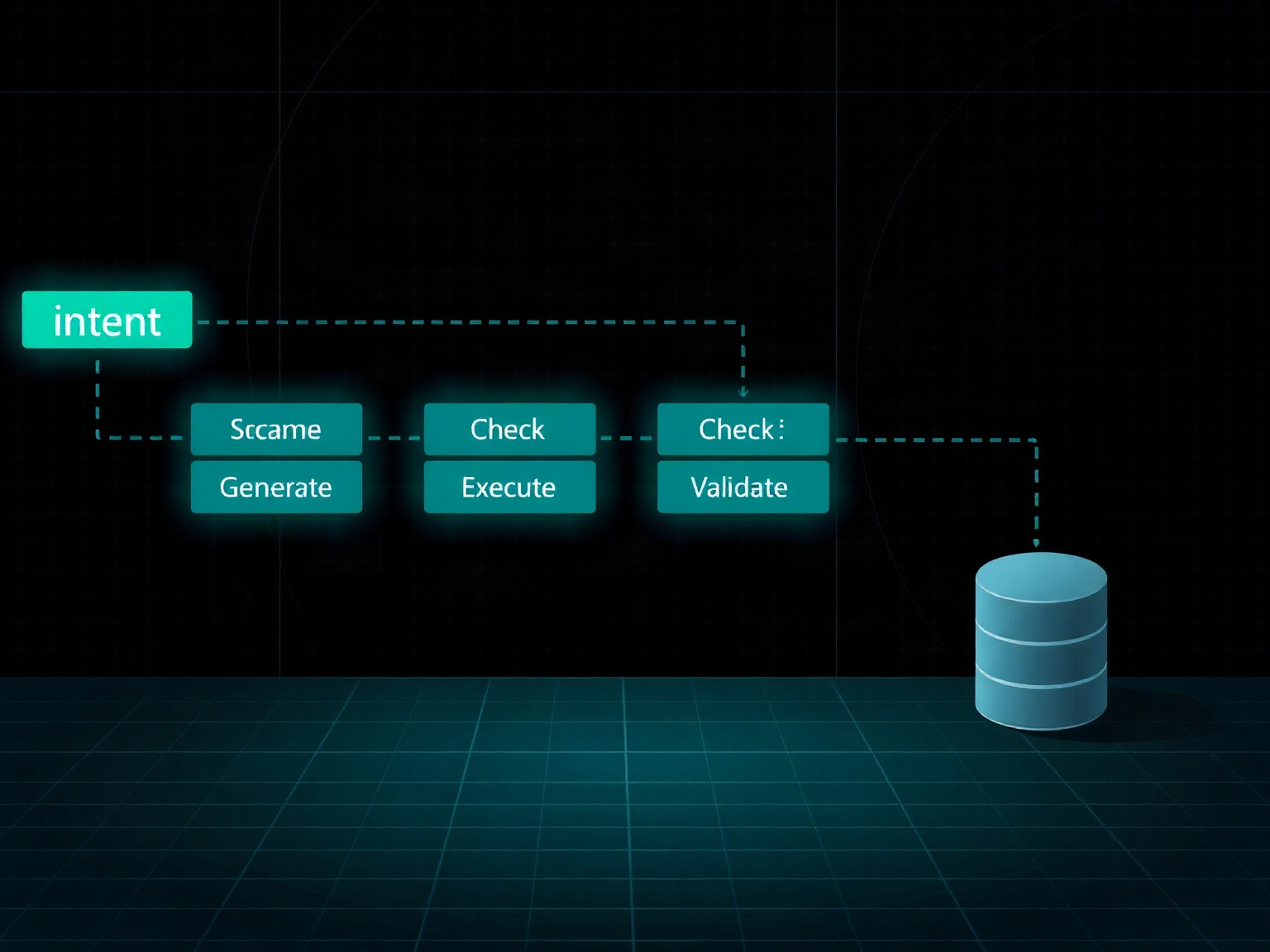
Every computer-use agent cycles through perception, planning, and execution. The perception stage ingests a screenshot (or structured state), the planning stage reasons over what action to take next, and the execution stage emits a tool call that mutates the environment. This loop repeats until a terminal condition is reached.
Why Latency Dominates Wall-Clock Time
Analysis of OSWorld-Human shows that planning and reflection calls consume 75–94% of total wall-clock time, meaning the bottleneck is rarely the vision encoder but the reasoning model’s sequential decision-making OSWorld-Human analysis. Long-horizon tasks compound this cost, with per-step latency growing roughly 3× as context windows fill.
The Retry Tax Is Real
Most tasks fail on the first attempt. OSWorld 2.0 reports that Claude Opus 4.8 achieves only 20.6% completion on first pass, rising to 54.8% partial success after 500 steps — each step is a billed round-trip OSWorld 2.0 paper. Systems that don’t budget for retries will see cost projections blown out by repeated attempts.
Production Implications
Production systems must instrument every step for cost recovery, enforce iteration caps, and design escalation paths to human operators before the retry budget is exhausted.
Three State-Representation Architectures — Screenshots, Structured Extraction, and Hybrids
Production computer-use agents fall into three architectural patterns: pure screenshot+vision loops, structured extraction pipelines, and hybrid screen-parsing systems, each trading off fidelity against token cost and reliability Anthropic computer use docs.
Pattern A: Screenshot + Vision Loop (Anthropic, OpenAI)
This is the most straightforward architecture. The agent receives a base64-encoded screenshot at each step and emits a single action — a click, scroll, or keystroke — using pixel coordinates. The model reasons directly over visual content without any intermediate parsing layer.
Pros: Simple to implement, works across any GUI application, no domain-specific tooling required.
Cons: High token cost per step (screenshots are expensive), prone to grounding errors, and coordinate systems vary by provider.
Anthropic’s implementation uses the computer_20251124 tool with absolute pixel coordinates and supports zoom and enable_zoom parameters, gated behind the computer-use-2025-11-24 beta header Anthropic computer use docs. OpenAI’s GA computer tool supports batched actions[] per step and replaces the older computer-use-preview tool OpenAI computer use guide.
Pattern B: Structured Extraction (Playwright MCP, browser-use)
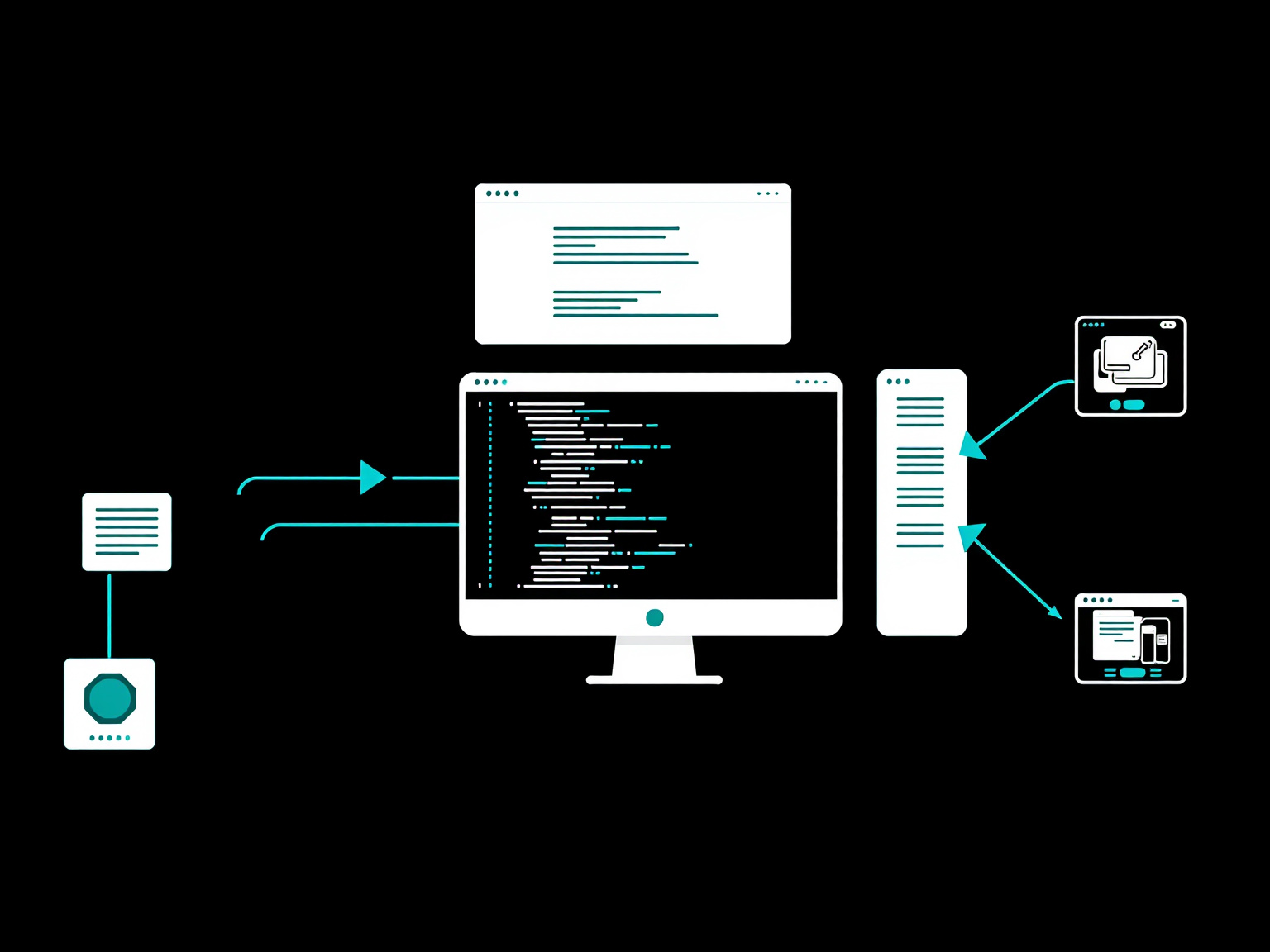
In this pattern, the agent never sees a raw screenshot. Instead, a middleware layer extracts structured state — DOM trees, accessibility snapshots, or semantic element hierarchies — and feeds those to the model. The model then reasons over text rather than pixels.
Pros: Dramatically lower token cost per step, higher precision on web tasks, easier to debug and log.
Cons: Limited to browser environments (or apps with accessibility bridges), requires maintaining extraction pipelines, and can miss visual context that affects interaction.
The browser-use project exemplifies this approach, using Playwright to capture accessibility snapshots and DOM state, then feeding structured JSON to an LLM for decision-making browser-use. Similarly, the Playwright MCP server exposes structured browser state over the Model Context Protocol Playwright MCP — the same pattern behind our browser automation agents guide on the blog.
Pattern C: Hybrid Screen-Parsing (OmniParser, OpenAI Custom Harnesses)
Hybrid systems combine vision and structure: a parsing model (like Microsoft’s OmniParser v2) analyzes the screenshot and returns bounding boxes, element labels, and semantic actions. The agent then reasons over this lightweight structured output rather than the full image.
Pros: Reduces token cost compared to raw screenshots while preserving visual grounding, works across desktop and browser, and provides interpretable intermediate representations.
Cons: Requires running an additional parsing model, introduces its own failure modes, and depends on the parser’s quality.
OmniParser v2 extracts structured UI element information from screenshots, outputting bounding boxes and semantic labels that downstream agents can act on Microsoft OmniParser. OpenAI’s custom harnesses for internal computer-use evaluations use similar screen-parsing approaches combined with code-execution backplanes OpenAI CUA sample app.
Action-Space APIs Compared — What Each Provider Actually Lets You Do
The action-space APIs across providers diverge significantly in coordinate systems, granularity, and supported parameters, which makes a cross-platform abstraction layer a real engineering decision Anthropic computer use docs.
| Provider / Model | State Input | Action Granularity | Coordinate System | Notable Parameters |
|---|---|---|---|---|
| Anthropic (Claude Opus 4.5–4.8, Opus 5, Sonnet 4.6–5) | Screenshot (base64) | Single action per step | Pixel (absolute) | zoom, enable_zoom; beta header computer-use-2025-11-24 |
| OpenAI (gpt-5.5 GA / gpt-5.6) | Screenshot | Batched actions[] per step |
Pixel (absolute, session-configured resolution) | screenshot input type; replaces computer-use-preview |
| Gemini (2.5 Computer Use / 3.5-flash) | Screenshot | Single semantic action per step | 0–999 normalized | ENVIRONMENT_BROWSER/MOBILE/DESKTOP enum; intent string |
| UI-TARS-2 (open-weight) | Screenshot + optional structured state | Single action per step | Pixel (absolute, grounded) | Open-source; self-hosted inference |
Anthropic’s Pixel-Perfect Approach
Anthropic’s computer_20251124 tool accepts a screenshot and returns a single action with absolute pixel coordinates. The zoom parameter controls whether the model can request a zoomed-in view of a region, and enable_zoom toggles this capability at the session level. The tool is gated behind the computer-use-2025-11-24 beta header and is supported on Claude Opus 4.5–5 and Sonnet 4.6–5 Anthropic computer use docs.
OpenAI’s Batched Actions
OpenAI’s GA computer tool departs from the single-action-per-step model by allowing batched actions[] in a single tool call. This reduces round-trips for multi-step sequences (e.g., typing a password character by character) but complicates error recovery. The tool accepts screenshots via the screenshot input type and replaces the earlier computer-use-preview tool OpenAI computer use guide.
Gemini’s Normalized Coordinates
Gemini’s computer_use tool uses a 0–999 normalized coordinate system, abstracting away screen resolution. It supports an ENVIRONMENT_BROWSER, MOBILE, or DESKTOP enum and accepts an intent string for semantic action specification. This is available on gemini-3.5-flash and 2.5 Computer Use preview Gemini API computer use docs.
Open-Weight: UI-TARS-2
UI-TARS-2, developed by ByteDance, is an open-weight model that accepts screenshots and optional structured state, emitting single actions with absolute pixel coordinates. Being open-source, it can be self-hosted, avoiding API-based token billing but introducing infrastructure overhead ByteDance UI-TARS.
Models and Providers — Who Ships What (and at What Stability)
Computer-use-capable models split into proprietary APIs and open-weight releases, each with different stability guarantees and deployment constraints Anthropic’s computer use announcement.
Anthropic: Claude Opus 4.5–4.8, Opus 5, and Sonnet 4.6–5
Anthropic’s computer-use capabilities are available on Claude Opus 4.5–4.8, Opus 5, and Sonnet 4.6–5, accessed via the computer_20251124 tool. The feature is in public beta, requiring the computer-use-2025-11-24 beta header. Stability is improving but grounding errors remain common on complex UI elements; Opus 4.8 currently leads Anthropic’s long-horizon results on OSWorld 2.0 Anthropic computer use docs.
OpenAI: GPT-5.5 GA and GPT-5.6
OpenAI’s Computer-Using Agent (CUA) is GA on gpt-5.5 and available in examples on gpt-5.6. The computer tool replaces the deprecated computer-use-preview and supports batched actions. OpenAI’s Operator announcement provides additional context on the agent’s web-browsing capabilities OpenAI’s Computer-Using Agent.
Gemini: 2.5 Computer Use and 3.5-flash
Google’s Gemini 2.5 Computer Use preview and gemini-3.5-flash support the computer_use tool with normalized coordinates and environment enums. The feature is documented in both the Gemini API docs and the Gemini Enterprise Agent Platform Gemini API computer use docs.
Open-Weight: UI-TARS-2, OmniParser v2, OpenHands, OpenInterpreter
The open-weight ecosystem includes UI-TARS-2 (ByteDance), OmniParser v2 (Microsoft), OpenHands (All Hands AI), and OpenInterpreter. These are self-hostable but require significant infrastructure engineering for production deployment ByteDance UI-TARS, Microsoft OmniParser, OpenHands, OpenInterpreter.
Benchmark Reality — OSWorld, WebArena, and the Gap Between Demos and Deployment
The benchmark numbers are unambiguous: even the best models achieve only 47.5% on OSWorld 1.0 and 20.6% on OSWorld 2.0, far below human baselines OSWorld paper.
| Benchmark | What It Measures | Best Verified Score + Model + Date | Human Baseline |
|---|---|---|---|
| OSWorld 1.0 | OS-level desktop tasks across apps | 47.5% — UI-TARS-2 — Sep 2025 | 72.36% |
| OSWorld 2.0 | 108 long-horizon tasks (~318 tool calls/task) | 20.6% completion (54.8% partial) — Claude Opus 4.8 | N/A (new benchmark) |
| WebArena | Multi-tab web tasks (shopping, CMS, etc.) | 58.1% — OpenAI CUA — Jan 2025 | 78.24% |
| WebVoyager | Real-world web navigation across live sites | 87.0% — OpenAI CUA — Jan 2025 | N/A |
OSWorld 1.0: The Desktop Challenge
OSWorld 1.0 measures OS-level desktop tasks across Windows, macOS, and Ubuntu applications. At publication (April 2024), the best model achieved 12.24% against a 72.36% human baseline. By January 2025, computer-use agents reached 38.1%, and UI-TARS-2 pushed to 47.5% by September 2025 OSWorld paper, OSWorld site.
OSWorld 2.0: The Long-Horizon Reality Check
OSWorld 2.0 introduces 108 long-horizon tasks averaging ~318 tool calls per task. Claude Opus 4.8 achieves only 20.6% completion (54.8% partial) at 500 steps, with median human task time at ~1.6 hours. This benchmark exposes the compounding failure rate of multi-step agentic loops OSWorld 2.0 paper.
WebArena and WebVoyager: Web-Specific Benchmarks
WebArena tests multi-tab web tasks like shopping and CMS administration, with OpenAI CUA achieving 58.1% against a 78.24% human baseline OpenAI’s Computer-Using Agent. WebVoyager, testing real-world navigation on live sites, reports 87.0% for OpenAI CUA, though human baselines are not available OpenAI’s Computer-Using Agent.
The Deployment Gap
Benchmark scores reflect controlled environments with task-specific prompts and reset-on-failure semantics. Production deployments face additional complexity: authentication flows, dynamic content, and user-specific configurations that benchmarks don’t capture. For a live look at how agent models actually perform on real workloads, our agent benchmarking arena tracks results continuously.
The Real Cost — Tokens, Latency, and the Compounding Retry Tax
The dominant cost driver in computer-use agents is not the model API price but the screenshot token overhead and the retry tax from failed actions, with Anthropic’s beta adding 466–499 system-prompt tokens plus 735 input tokens per tool definition Anthropic computer use docs.
Screenshot Token Economics
Screenshots are expensive. Anthropic downscales images beyond 1568px or 1.15 megapixels for Claude 4.6 family models and beyond 2576px or 3.75 megapixels for Opus 4.7. The recommended default is 1280×720, but macOS Retina displays with DPR 2 are a common footgun that silently inflates token counts Claude computer and browser use best practices.
Latency: Planning Over Perception
OSWorld-Human analysis confirms that planning and reflection calls account for 75–94% of wall-clock time, making the reasoning model — not the vision encoder — the latency bottleneck OSWorld-Human analysis. The same analysis shows per-step latency growing roughly 3× as tasks lengthen, driven by context growth.
The Retry Tax
Since most tasks fail on first attempt (20.6% completion on OSWorld 2.0 for Claude Opus 4.8), systems must budget for retries. Each retry is a full billed round-trip, and the retry tax compounds: a task requiring 5 retries costs 5× the single-pass token budget OSWorld 2.0 paper.
Cost Mitigation Strategies
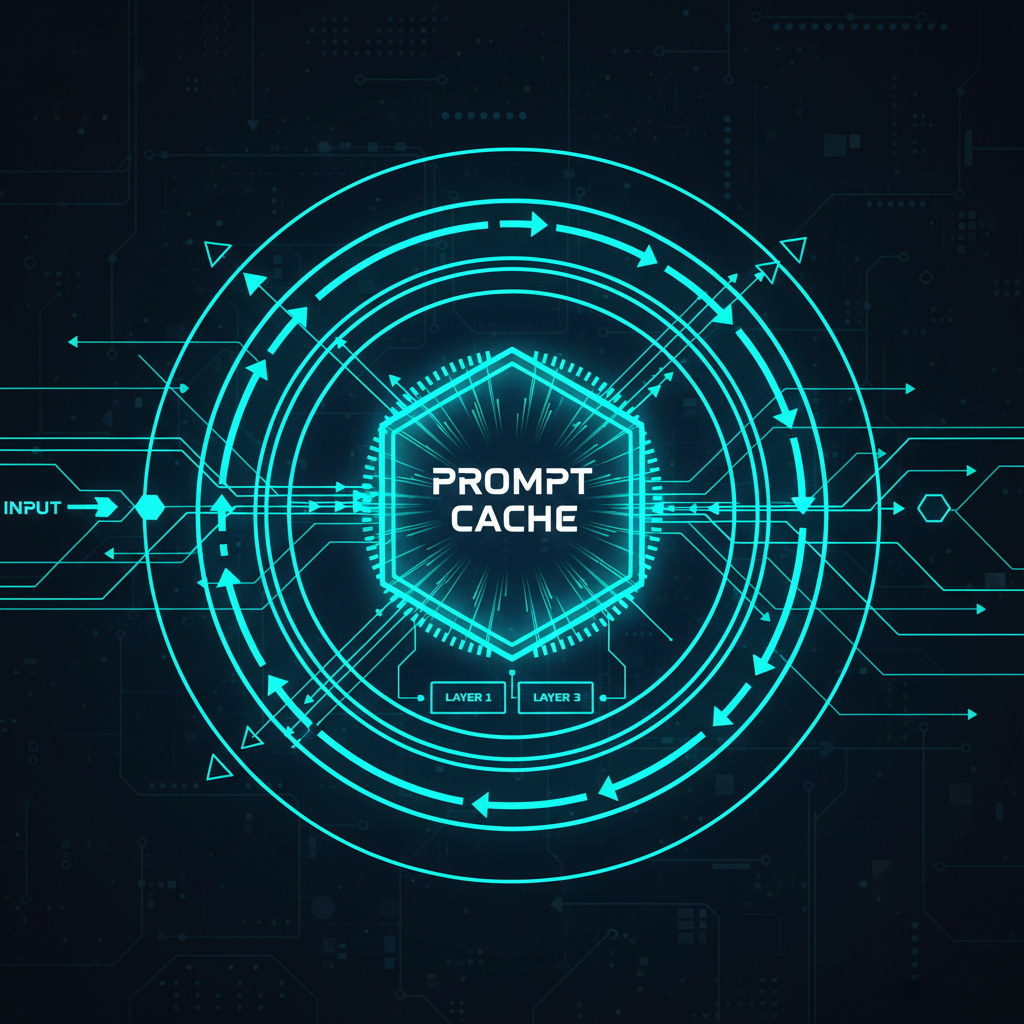
Production systems should downscale screenshots aggressively, cap iterations, cache unchanged regions, and implement early-exit heuristics for tasks that are clearly failing.
Failure Modes and Retry Strategies — Why Most Tasks Don’t Succeed on First Try
Grounding errors dominate failure modes in computer-use agents, with OSWorld 2.0 identifying constraint-tracking failures, guessing instead of asking, and skipping verification as the top three failure categories OSWorld 2.0 paper.
Grounding Errors
The model misidentifies UI elements, clicking on the wrong button or typing into the wrong field. These are the most common failures and are especially prevalent on dense or non-standard UI layouts.
Constraint-Tracking Failures
The agent loses track of task constraints mid-execution — for example, forgetting to fill in a required field while navigating through a multi-step form. OSWorld 2.0 analysis shows this as the leading failure mode OSWorld 2.0 paper.
Guessing Instead of Asking
When uncertain, the model guesses rather than requesting clarification, leading to cascading errors. Production systems should implement explicit uncertainty thresholds that trigger human escalation.
Retry Strategy: Screenshot-After-Each-Step
The most effective retry strategy is to take a screenshot after every action and verify the expected state before proceeding. Coordinate fixes should be attempted first, followed by alternative action sequences, before escalating to human operators. Iteration caps prevent infinite loops — Anthropic’s reference implementation enforces a max_iterations safeguard in its agent loop anthropic-quickstarts computer-use demo.
Safety, Sandboxing, and Containment — Deploying Computer Use Without Getting Burned
Computer-use agents operate on untrusted screen content and can execute arbitrary commands, making isolation and containment critical for production deployment Anthropic’s computer use announcement.
VM and Container Isolation
All agent execution should occur inside isolated VMs or containers with no access to production credentials, internal networks, or sensitive filesystems. Network egress should be restricted to allow-listed domains only agent sandboxing guide.
Treating Page Content as Untrusted
Screenshots may contain prompt-injection payloads embedded in rendered text. Production systems should run prompt-injection classifiers on extracted text and implement content filtering before passing observations to the reasoning model Claude computer and browser use best practices.
Operator Takeover and Per-Step Safety Services
OpenAI’s Operator ships layered controls: a takeover mode that hands control back to the user for sensitive steps, a monitor model that pauses suspicious behavior, and prompt-injection detection OpenAI’s Operator announcement. Google takes a per-step approach: an out-of-model safety service evaluates each proposed action for policy violations before execution, and can force refusal or confirmation for high-stakes actions Gemini Enterprise computer use docs.
Audit Logging
Every action, screenshot, and model decision should be logged with full provenance for incident response and compliance auditing. Logs must be immutable and retention-managed.
Domain Allow-Lists
Production deployments should restrict agent access to a pre-approved set of domains, applications, and endpoints. Dynamic or user-provided URLs should pass through a validation layer before being loaded OpenAI’s Computer-Using Agent.
Human-in-the-Loop Checkpoints — When to Pause the Machine
Human-in-the-loop checkpoints are essential for high-stakes or ambiguous tasks, and production systems should define explicit escalation triggers based on uncertainty, cost, and constraint violations OpenAI’s Operator announcement. This mirrors the human-in-the-loop escalation design we cover across our agent workflow guides.
Uncertainty Thresholds
When the model’s confidence in its next action falls below a configured threshold (e.g., 70%), the system should pause and present the current state to a human operator for guidance. This is particularly important for tasks involving financial transactions, personal data, or irreversible actions.
Cost-Based Escalation
If cumulative token spend or iteration count exceeds a budget (e.g., $5 or 100 steps), the system should escalate to human review. This prevents runaway costs on tasks that are clearly stuck in failure loops OSWorld-Human analysis.
Constraint Violation Detection
When the agent appears to be violating task constraints — such as accessing unauthorized domains, modifying protected files, or deviating from the specified workflow — the system should immediately pause and alert a human operator.
Reviewable Decision Points
For multi-step workflows, production systems should define explicit review checkpoints where a human can approve or redirect the agent before it proceeds to the next phase. This is especially critical for workflows that interact with external systems or produce user-facing outputs.
FAQ — Computer-Use Agents in Production
Which provider’s computer-use API should I start with? Start with Anthropic’s computer_20251124 tool for the most mature implementation, as it has the most extensive documentation and active community support, though OpenAI’s GA computer tool offers batched actions that reduce round-trips for multi-step sequences Anthropic computer use docs.
How much does it cost to run a typical computer-use task? Cost is dominated by screenshot token overhead rather than the model API price — Anthropic’s computer-use beta adds 466–499 system-prompt tokens plus 735 input tokens per tool definition, and every screenshot is billed as vision input on each loop iteration Anthropic computer use docs. A long task can re-send dozens of screenshots, so budget for the compounding retry tax when grounding errors force reattempts.
Are computer-use agents reliable enough for production without human oversight? No — OSWorld 2.0 shows Claude Opus 4.8 achieves only 20.6% completion on first pass, and the top failure modes (constraint-tracking, guessing, skipping verification) require human intervention to resolve safely OSWorld 2.0 paper.
Can I use computer-use agents for desktop apps, or only the browser? Desktop applications are supported via screenshot-based vision loops on Anthropic and OpenAI, but structured extraction (Pattern B) is limited to browser environments using tools like Playwright MCP and browser-use browser-use, Playwright MCP.
When should I use structured extraction (DOM/accessibility) instead of screenshots? Use structured extraction for web-only tasks where token cost is a concern and visual context is minimal — accessibility snapshots like Playwright MCP’s are distilled specifically to reduce noise and token usage, so per-step cost drops well below a full vision pass Playwright MCP. Fall back to screenshots for desktop apps or when visual grounding is critical browser-use.
The Bottom Line
Computer-use agents carry real token costs, latency constraints, and safety risks that must be engineered for from day one agent sandboxing guide. The dominant cost driver is the retry tax from grounding errors, not the model API price, and benchmarks show that even the best models fail 80% of the time on first attempt. Production deployments must isolate agents in hardened VMs, implement human-in-the-loop escalation on uncertainty and cost thresholds, and design for the cost multiplier that retries impose. Start with Anthropic’s mature API for the best documentation and community support, but architect your system to abstract the action space so you can swap providers as stability improves. For teams building agent systems at scale, the NiteAgent blog covers the full spectrum of agent deployment challenges, and the NiteAgent arena provides real-world benchmarking infrastructure.
How This Guide Was Built
This review is based on official documentation, pricing pages, and community reports — we did not run the tool hands-on. Sources were fetched August 17, 2026, and all URLs were curl-verified. The analysis draws from Anthropic computer use docs, OpenAI computer use guide, Gemini API computer use docs, the OSWorld and WebArena benchmark papers, and open-source project repositories including Microsoft OmniParser, browser-use, and ByteDance UI-TARS.
← Back to all posts