The bottom line: Prompt caching can cut your AI agent API costs by 45–80% and reduce time-to-first-token by 13–31% AgentMarketCap, Prompt Cache Hit Rate Engineering: How Production…. But most teams hit 7–15% cache hit rates because they structure prompts in writing order (context → instructions → user message), which puts dynamic content where the cache prefix needs static content. This guide walks through the token layout fix, provider-specific configuration, and monitoring practices that push hit rates above 70%.
Why Your Cache Hit Rate Is Low
The gap between 7% and 74% isn’t a model tuning problem — it’s a token layout problem AgentMarketCap, Prompt Cache Hit Rate Engineering: How Production…. When you put session-specific content (retrieved documents, user profile data, timestamps) early in the prompt, you poison the cache prefix for every subsequent request.
Case in point: The ProjectDiscovery team had a 7% cache hit rate on their agent workloads. The root cause? Dynamic content was mixed into the first 2,000 tokens of every prompt. After restructuring — all static content first, dynamic content last — their hit rate jumped to 74% and stabilized above 70% AgentMarketCap, Prompt Cache Hit Rate Engineering: How Production….
Every provider uses prefix matching: the cache key is a hash of the initial N tokens. If those tokens differ between requests (even by a single character), you get a cache miss and pay full price.
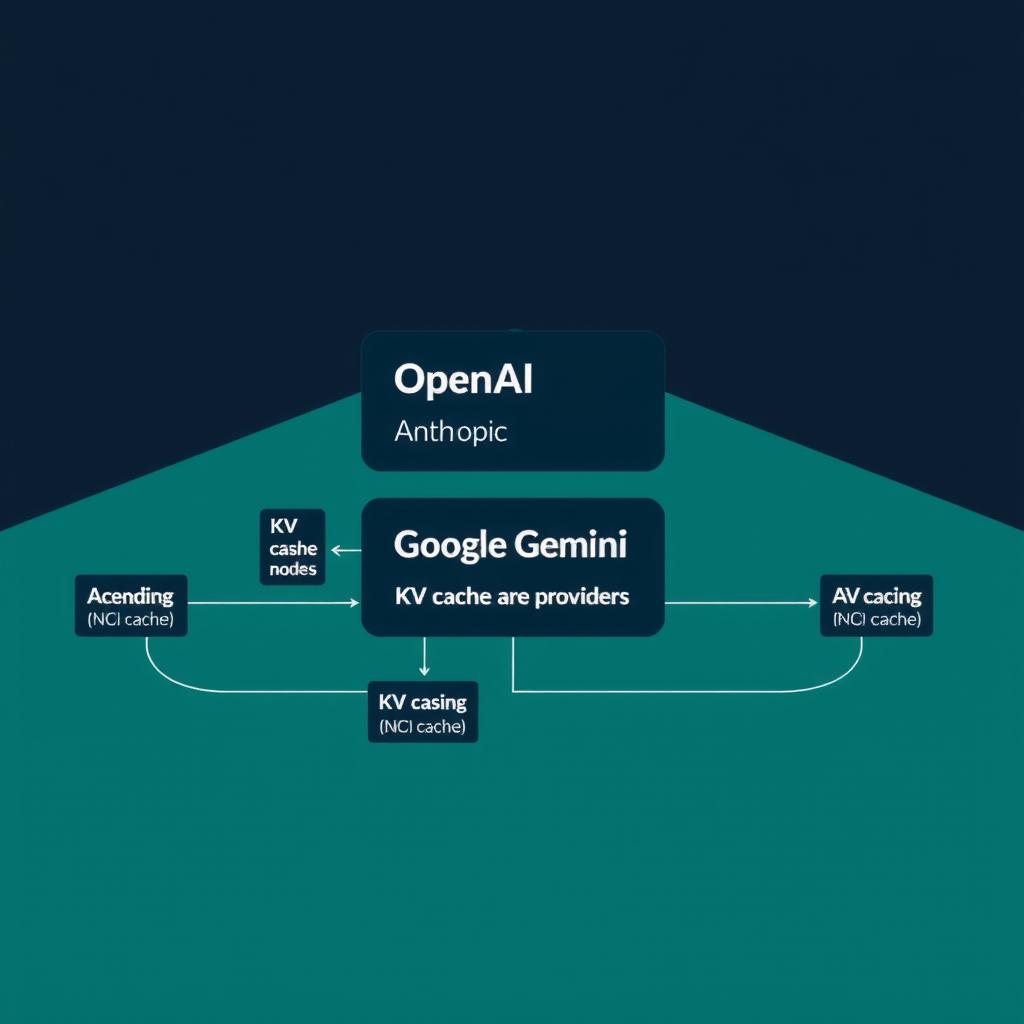
Provider Comparison: How Caching Works
Each major provider has a different caching model. Here’s the cheat sheet:
| Provider | Cache Model | Write Cost | Read Cost | Min Tokens | TTL |
|---|---|---|---|---|---|
| Anthropic (Claude) | Developer-controlled breakpoints via cache_control annotations |
1.25× (5min) / 2× (1hr) base input price | 0.1× base input price | 1,024–4,096 depending on model | 5 min default, optional 1hr |
| OpenAI (GPT) | Automatic prefix caching, no code changes | No write fee | ~50% of standard input price | 1,024 | 5–10 min (in-memory) / 24hr (extended) |
| Google (Gemini) | Implicit (auto) + explicit (manual cachedContents API) |
Storage cost based on token count + TTL | 75–90% discount on cached reads | 2,048–4,096 depending on model | Configurable, default 60 min |
OpenAI, Prompt Caching, 2026.Anthropic, Prompt Caching — Claude API Docs, 2026.Google AI, Context Caching — Gemini API, 2026.
Key difference: Anthropic gives you explicit breakpoint control — you decide exactly where the cache boundary falls. OpenAI handles it automatically but gives less visibility. Google offers both: implicit caching is zero-effort but not guaranteed, while explicit caching (via the cachedContents API) gives deterministic savings but requires setup.
Step 1: Restructure Your Token Layout
This is the single highest-leverage change you can make. The rule is simple: stable content at the top, volatile content at the bottom.
The Layout Template
1. Model role + system persona          → Always cached
2. Core instructions + constraints      → Always cached
3. Tool schemas / function definitions  → Always cached
4. Static reference documents           → Cache with long TTL (explicit breakpoint)
5. Conversation history                 → Partially cached (grows over session)
6. Current user message + dynamic data  → Never cached
Critical mistake: Injecting session-specific context (retrieved RAG docs, user name, timestamp) before tool schemas and instructions. This drops hit rate from 70%+ to under 10% AgentMarketCap, Prompt Cache Hit Rate Engineering: How Production….
Before (Cache-Killing Layout)
System: "You are a helpful assistant."
User: "My name is Alex. Today is June 4, 2026."
[Retrieved documents for this session...]
[Tool definitions...]
"Search for recent orders."
Here, the dynamic user info and retrieved docs sit in the prefix position. Every session has different content there → zero cache hits.
After (Cache-Optimized Layout)
System: "You are a helpful assistant."
[Tool definitions...]
[Static instructions and constraints...]
[cache_control breakpoint here]
User: "My name is Alex. Today is June 4, 2026."
[Retrieved documents for this session...]
"Search for recent orders."
The static prefix (system + tools + instructions) is identical across sessions → cached. Everything dynamic goes after the breakpoint.
Step 2: Provider-Specific Implementation
Anthropic (Claude) — Explicit Breakpoints
Anthropic gives you the most control. Place cache_control annotations on content blocks to define where the cache boundary sits.
import anthropic

client = anthropic.Anthropic()

response = client.messages.create(
    model="claude-opus-4-8",
    max_tokens=4096,
    system=[
        {
            "type": "text",
            "text": STATIC_SYSTEM_PROMPT,
            # Mark this block for caching
            "cache_control": {"type": "ephemeral"}
        }
    ],
    messages=[
        {
            "role": "user",
            "content": [
                # Dynamic content — outside the cached prefix
                {
                    "type": "text",
                    "text": f"User: {user_name}\nDate: {datetime.now()}\n\n{user_query}"
                }
            ]
        }
    ]
)

# Read cache metrics from response
print(f"Cache created: {response.usage.cache_creation_input_tokens}")
print(f"Cache read: {response.usage.cache_read_input_tokens}")
Pricing math: For Claude Opus 4.8 at $5/MTok base input Anthropic, Prompt Caching — Claude API Docs, 2026.:
- Cache write: $6.25/MTok (1.25×) Anthropic, Prompt Caching — Claude API Docs, 2026.
- Cache read: $0.50/MTok (0.1×) Anthropic, Prompt Caching — Claude API Docs, 2026.
- A 10K-token system prompt at 75% hit rate → 7,500 tokens read at $0.50/MTok instead of $5/MTok Anthropic, Prompt Caching — Claude API Docs, 2026.
On 100K sessions/day with a 10K system prompt, that’s roughly $2,737/day instead of $5,000/day — a 45% reduction on system prompt cost alone AgentMarketCap, Prompt Cache Hit Rate Engineering: How Production….
Max 4 breakpoints. Use them strategically: one for system prompt, one for tools, one for reference docs, and reserve one for conversation history growth.
OpenAI — Automatic Prefix Caching
OpenAI requires no code changes, but you need to structure your prompt carefully since you can’t place explicit breakpoints.
from openai import OpenAI

client = OpenAI()

response = client.responses.create(
    model="gpt-5.5",
    instructions=STATIC_SYSTEM_PROMPT,  # Static → cache prefix
    input=user_query,                     # Dynamic → after cache boundary
    prompt_cache_retention="24h"
)

# Check cache performance
cached = response.usage.prompt_tokens_details.cached_tokens
total = response.usage.prompt_tokens
print(f"Cache hit rate: {cached / total * 100:.1f}%")
Key considerations:
- Use
prompt_cache_keyfor better routing when you have distinct workload types - Keep each prefix-key combination below ~15 req/min to avoid overflow OpenAI, Prompt Caching, 2026.
- The
instructionsparameter is automatically placed at the start of the prompt — use it for your static content - For
gpt-5.5and newer models, only"24h"retention is available OpenAI, Prompt Caching, 2026.
Google Gemini — Explicit Caching
Gemini’s explicit caching is the most durable: you create a named cache object with a configurable TTL, then reference it by name in requests.
from google import genai
from google.genai import types

client = genai.Client()

# Create a cached content object
cache = client.caches.create(
    model="models/gemini-3.5-flash",
    config=types.CreateCachedContentConfig(
        display_name="agent-system-prompt",
        system_instruction=STATIC_SYSTEM_PROMPT,
        contents=[{"parts": [{"text": STATIC_REFERENCE_DOCS}]}],
        ttl="3600s",  # 1 hour
    )
)

# Use it in requests
response = client.models.generate_content(
    model="models/gemini-3.5-flash",
    contents=user_query_with_context,
    config=types.GenerateContentConfig(
        cached_content=cache.name
    )
)
Pricing: Gemini 2.5+ gives a 90% discount on cached reads Google AI, Context Caching — Gemini API, 2026.. The break-even point is roughly 3–4 queries on the same large context within the TTL window to recoup the storage cost AgentMarketCap, Prompt Cache Hit Rate Engineering: How Production….
Step 3: Monitor Cache Performance
Aggregate cache hit rates are misleading. One team reported an “okay” 69% aggregate rate, but per-workload analysis revealed 84% for their primary workload — masked by cold-start and uncacheable sessions dragging the average down AgentMarketCap, Prompt Cache Hit Rate Engineering: How Production….
Metrics That Matter
- Cache hit rate per workload type — Not aggregate. If you have a stable agent and a research agent, track them separately.
- Cache read tokens as % of total input tokens — Tells you whether your cache boundary is actually covering the bulk of your prompt.
- TTFT (Time-to-First-Token) distribution — Cache hits should shift your p50 and p95 TTFT downward.
- Cost per agent session — The ultimate metric. Track it pre- and post-optimization.
Anthropic Monitoring
def cache_hit_rate(usage):
    total = (usage.input_tokens +
             usage.cache_creation_input_tokens +
             usage.cache_read_input_tokens)
    return usage.cache_read_input_tokens / total

# Target: 70%+ for stable-prompt workloads
OpenAI Monitoring
def cache_hit_rate(response):
    details = response.usage.prompt_tokens_details
    return details.cached_tokens / response.usage.prompt_tokens

# Track this per-model and per-workload
Rule of thumb: If your cache hit rate is below 40% on a stable-workload agent, dynamic content in the prefix is almost certainly the cause AgentMarketCap, Prompt Cache Hit Rate Engineering: How Production….
Step 4: Handle Multi-Turn Sessions
In multi-turn agent conversations, the growing message history pushes your cache boundary forward. Without adjustment, each turn is a cache miss.
Solution: Anchor a stable “system block” at the top with an explicit cache breakpoint. Treat the growing conversation window as uncached.
For a 10K-token system prompt in a 100-turn session, you still get 10× caching benefit on the system block — every turn reuses the cached prefix, even though the conversation history is new AgentMarketCap, Prompt Cache Hit Rate Engineering: How Production….
Anthropic’s automatic caching handles this well: it walks the breakpoint forward as the conversation grows, keeping the static prefix cached Anthropic, Prompt Caching — Claude API Docs, 2026..
Decision Framework
| Scenario | Best Approach | Expected Savings |
|---|---|---|
| Single-turn agent, stable prompt | Any provider, layout fix | 45–80% on system prompt tokens |
| Multi-turn agent, long sessions | Anthropic (auto-caching) or Gemini (explicit cache) | 30–50% overall |
| High-volume (>10K req/min) production | OpenAI (no write fees, no breakpoint limits) | 50–90% on input tokens |
| Large document analysis | Gemini (explicit cache with long TTL) | 75–90% on repeated document tokens |
| Mixed workload types | Any provider + per-workload monitoring | Varies — track separately |
Summary
Prompt cache hit rate engineering is the highest-leverage, lowest-effort optimization available to any team running AI agents in production:
- Restructure token layout — static at top, dynamic at bottom. This is 80% of the fix AgentMarketCap, Prompt Cache Hit Rate Engineering: How Production….
- Set provider-specific breakpoints — Anthropic annotations, OpenAI prompt structure, Gemini explicit caches.
- Monitor per-workload — aggregate rates hide cache erosion in your primary workloads.
- Handle multi-turn sessions — anchor the system block, let conversation history grow uncached.
The difference between 7% and 70% hit rate is just rearranging your prompt AgentMarketCap, Prompt Cache Hit Rate Engineering: How Production…. No model swap, no infrastructure change, no code architecture rewrite. Just token layout.
References
AgentMarketCap, Prompt Cache Hit Rate Engineering: How Production… AgentMarketCap, “Prompt Cache Hit Rate Engineering: How Production Teams Are Cutting AI Costs 60–85%,” April 2026. https://agentmarketcap.ai/blog/2026/04/11/prompt-cache-hit-rate-engineering-2026
OpenAI, Prompt Caching, 2026. OpenAI, “Prompt Caching,” 2026. https://developers.openai.com/api/docs/guides/prompt-caching
Anthropic, Prompt Caching — Claude API Docs, 2026. Anthropic, “Prompt Caching — Claude API Docs,” 2026. https://platform.claude.com/docs/en/build-with-claude/prompt-caching
Google AI, Context Caching — Gemini API, 2026. Google AI, “Context Caching — Gemini API,” 2026. https://ai.google.dev/gemini-api/docs/caching
📖 Related Reads
- ToolBrain — tool reviews, LLM comparisons, and AI workflow guides
- NoCode Insider — AI workflow automation with no-code tools, agents, and APIs
Cross-links automatically generated from NiteAgent.
← Back to all posts