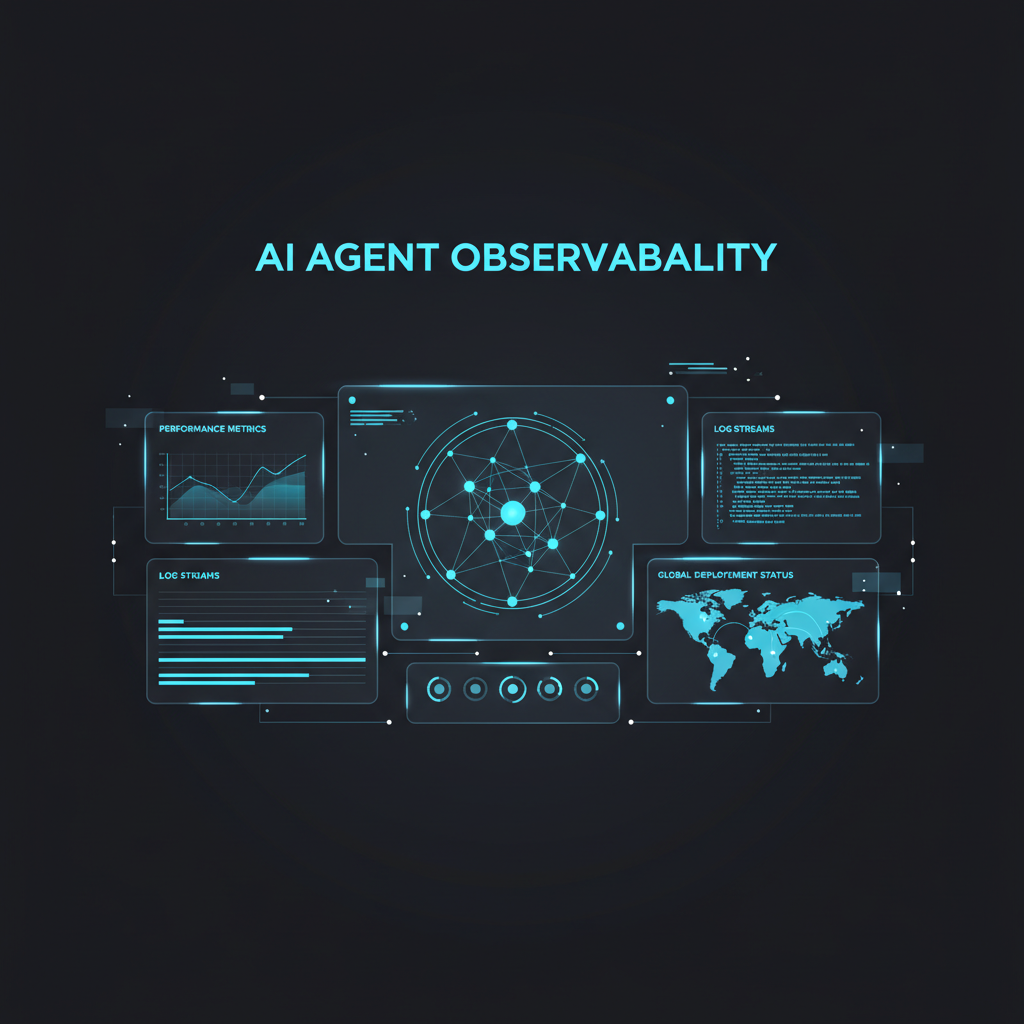
TL;DR: 88% of AI agent pilots never reach production Digital Applied, AI Agent Adoption 2026. The top blocker isn’t model quality — it’s the absence of observability. This guide covers the 3 pillars of agent monitoring (traces, evals, cost) with 5 tool profiles, a copy-paste monitoring stack, and a decision framework for choosing your observability platform.
Digital Applied, AI Agent Adoption 2026
The Agent Monitoring Blindspot
In 2026, 80% of enterprise apps now embed AI agents — yet only 31% deploy them operationally Automely.ai, Enterprise AI Solutions 2026. That’s a significant gap.
Automely.ai, Enterprise AI Solutions 2026
Why? Because AI agents don’t fail like normal software.
A traditional web app either returns a 200, a 500, or times out. An AI agent can:
- Return a plausible-sounding answer while using the wrong tool
- Burn through $47 in tokens in an infinite reasoning loop Digital Applied, AI Agent Adoption 2026
- Skip a critical guardrail step without any system error
- Complete the task but with subtly corrupted data from step 3 of 15 — only surfacing as a failure 10 steps later
Traditional uptime monitoring (is the server up? is the API responding?) catches exactly zero of these failure modes. Agent observability is a distinct discipline — one that separates successful production deployments from the 88% that stall. Digital Applied, AI Agent Adoption 2026
The observability market reflects this urgency. The LLM Observability Platform market was valued at $2.69B in 2026 and is projected to reach $9.26B by 2030 — a 36.2% CAGR Grand View Research, LLM Observability Market Report.
Grand View Research, LLM Observability Market Report
The Three Pillars of Agent Observability
Agent monitoring breaks down into three distinct data layers. Each catches a different failure class, and production teams need all three.
1. Traces — What Actually Happened
Traces record every step an agent takes: the input, the LLM call, the tool selection, the tool output, and the next reasoning step. They answer: “What did the agent actually do?”
- OpenTelemetry is the emerging standard — with semantic conventions for agent-specific spans (tool calls, handoffs, MCP operations)
- Tools like LangSmith offer minimal overhead tracing for LangChain stacks; Langfuse captures richer detail with higher overhead
When traces matter most: Debugging multi-step failures where no single step looks wrong but the aggregate output is broken.
2. Evaluations — Was the Output Correct?
Evals measure output quality against expected behavior. They answer: “Was that the right thing to do?”
- Hallucination detection, output quality scoring, tool execution accuracy
- Latency & response time — a spike after a model update is a common early warning
- Drift detection — behavioral shifts after retraining or prompt changes
- Prompt success rate — the percentage of prompts that produce a usable result
- Intent accuracy — did the agent do what the user asked? (This is the hardest metric and most frequently missed.)
Production reality: Many organizations using agent observability found that their agents were violating governance policies, over-spending on tokens, or hallucinating at rates exceeding acceptable thresholds — and they had no visibility before implementing evaluation pipelines OpenTelemetry AI Semantic Conventions.
OpenTelemetry AI Semantic Conventions Radiant Security (2026 Survey referenced in multiple industry analyses)
3. Cost — How Much Did It Really Cost?
Agent costs don’t follow the simple input×output token model of single-turn LLMs. Each tool call, retry, guardrail pass, and evaluation check adds cost.
| Cost Factor | Single LLM Call | Multi-Agent Workflow |
|---|---|---|
| Token cost per run | $0.001–$0.01 | $0.05–$0.75 |
| Latency per query | ~1–3s | ~8–45s |
| Failure cost impact | Rerun the query | Rerun 15+ steps |
| Monitoring overhead | ~0–5% | ~5–15% on first-instrumentation |
Key metric: Cost per successful output is a better north star than raw token cost.
When a multi-agent pipeline costs $0.50 per run and fails frequently, the effective cost per successful output is higher than the raw cost because failed runs still consume tokens. This invisible tax is why monitoring and cost tracking together matter. Automely.ai, Enterprise AI Solutions 2026
Tool Landscape: 5 Platforms Compared
How They Rank on Agent-Relevant Criteria
| Feature | LangSmith | Langfuse | Braintrust | Helicone | Latitude |
|---|---|---|---|---|---|
| Multi-turn tracing | Native (LangChain) | Session threading | Session grouping | Partial | Native session objects |
| Tool use observability | Within LangChain | Manual only | Manual only | Limited | First-class spans |
| Failure clustering | Limited | Limited | Limited | No | Issue tracking lifecycle |
| Auto-evals from prod data | Manual curation | Manual creation | Manual experiments | No | GEPA algorithm |
| Open-source | No | ✅ (self-host) | No | No | No |
| Starting price | $39/mo | Free (self-host) / $49/mo cloud | $200/mo | Free tier | Trial-based |
When to Use Each
| Your Situation | Best Fit | Why |
|---|---|---|
| You’re on LangChain/LangGraph | LangSmith | Zero-config tracing, ~0% overhead, full framework integration |
| You need GDPR-compliant self-hosting | Langfuse | Open-source, ClickHouse-backed (acquired Jan 2026), widest deployment flexibility |
| You run production agents with state | Latitude | Agent-first architecture, GEPA auto-evals from production data, failure lifecycle tracking |
| You want CI/CD eval experiments | Braintrust | Eval-first platform with polished dataset comparison and regression testing |
| You need fast setup for cost monitoring | Helicone | Proxy-based, minutes to set up, generous free tier, excellent cost dashboards |
| You need infrastructure correlation | Datadog (LLM Observability) | 900+ integrations, correlate agent behavior with infrastructure health |
Performance Overhead
Instrumentation overhead varies by platform. Framework-tight platforms typically have lower overhead than general-purpose ones. Teams should benchmark their own workloads.
| Platform | Overhead Profile |
|---|---|
| LangSmith | Minimal (framework-native) |
| Laminar | Low |
| AgentOps | Moderate |
| Langfuse | Higher (richer instrumentation) |
Key insight: Tight framework coupling reduces overhead. LangSmith’s minimal overhead comes from being built by the LangChain team. Langfuse’s higher overhead comes from deeper instrumentation (token tracking, session threading, annotation workflows). You’re paying overhead for richer data — a tradeoff to make deliberately, not accidentally.
Copy-Paste Monitoring Stack
Template 1: Basic Agent Health Dashboard (SQLite + Python)
import sqlite3, datetime, json

# Initialize agent monitoring database
def init_monitor_db(db_path="agent_monitor.db"):
    conn = sqlite3.connect(db_path)
    conn.execute("""
        CREATE TABLE IF NOT EXISTS agent_runs (
            id INTEGER PRIMARY KEY AUTOINCREMENT,
            agent_name TEXT,
            input_hash TEXT,
            steps INTEGER,
            tokens_input INTEGER,
            tokens_output INTEGER,
            cost REAL,
            duration_ms REAL,
            success BOOLEAN,
            error_type TEXT,
            timestamp TEXT DEFAULT (datetime('now'))
        )
    """)
    conn.execute("""
        CREATE TABLE IF NOT EXISTS tool_calls (
            id INTEGER PRIMARY KEY AUTOINCREMENT,
            run_id INTEGER,
            tool_name TEXT,
            args TEXT,
            result_status TEXT,
            duration_ms REAL,
            FOREIGN KEY (run_id) REFERENCES agent_runs(id)
        )
    """)
    conn.commit()
    return conn

# Log a completed agent run
def log_run(conn, agent_name, steps, tokens_in, tokens_out, cost, duration_ms, success, error=None):
    conn.execute(
        "INSERT INTO agent_runs (agent_name, steps, tokens_input, tokens_output, cost, duration_ms, success, error_type) VALUES (?,?,?,?,?,?,?,?)",
        (agent_name, steps, tokens_in, tokens_out, cost, duration_ms, success, error)
    )
    conn.commit()

# Generate daily health report
def daily_report(conn, date=None):
    date = date or datetime.date.today().isoformat()
    cur = conn.execute("""
        SELECT
            COUNT(*) as total_runs,
            SUM(CASE WHEN success THEN 1 ELSE 0 END) * 1.0 / COUNT(*) as success_rate,
            AVG(cost) as avg_cost,
            AVG(duration_ms) as avg_duration,
            AVG(steps) as avg_steps
        FROM agent_runs WHERE date(timestamp) = ?
    """, (date,))
    return dict(zip(['total_runs','success_rate','avg_cost','avg_duration','avg_steps'], cur.fetchone()))
When to use: Teams that want zero-dependency monitoring before committing to a platform. Log every agent run locally, export to any tool later.
When NOT to use: For production at scale — SQLite doesn’t handle concurrent writes from multiple agent processes.
Template 2: Langfuse Instrumentation for LangChain Agents
from langfuse import Langfuse
from langfuse.callback import CallbackHandler
from langchain.agents import AgentExecutor, create_react_agent
from langchain.tools import tool

# Initialize Langfuse (set LANGFUSE_SECRET_KEY, LANGFUSE_PUBLIC_KEY, LANGFUSE_HOST env vars)
langfuse_handler = CallbackHandler(
    session_id="user-session-001",  # Tie to user sessions across turns
    user_id="user-42",              # Track per-user cost/behavior
    tags=["production", "customer-support"]
)

@tool
def lookup_order(order_id: str) -> str:
    """Look up order status by ID."""
    return f"Order {order_id}: Shipped, tracking ABC123"

# Create agent with Langfuse tracing
agent = create_react_agent(llm=llm, tools=[lookup_order], prompt=prompt)
executor = AgentExecutor(agent=agent, tools=[lookup_order])

# Every call is now traced — check Langfuse dashboard for:
# - Full execution trace with tool call spans
# - Token cost per step
# - Latency breakdown
response = executor.invoke(
    {"input": "Where's my order #ORD-7892?"},
    callbacks=[langfuse_handler]
)
When to use: LangChain/LangGraph stacks where you want production tracing in <10 lines of code.
Template 3: OpenTelemetry Traces for Custom Agents
# opentelemetry-collector-config.yaml
receivers:
  otlp:
    protocols:
      grpc:
        endpoint: 0.0.0.0:4317
      http:
        endpoint: 0.0.0.0:4318

processors:
  batch:
    timeout: 1s
    send_batch_size: 1024
  attributes:
    actions:
      - key: agent.framework
        value: custom
        action: upsert

exporters:
  prometheus:
    endpoint: 0.0.0.0:8889
    namespace: agent_metrics
  debug:
    verbosity: detailed

service:
  pipelines:
    traces:
      receivers: [otlp]
      processors: [batch, attributes]
      exporters: [debug, prometheus]
    metrics:
      receivers: [otlp]
      processors: [batch]
      exporters: [prometheus]
When to use: Custom agent frameworks where you need vendor-neutral tracing that works with Grafana/Datadog.
When NOT to use: Prototyping — the collector infrastructure (2-3 containers) is overkill before your agent reaches production scale.
Template 4: Agent Health SLA Dashboard (PromQL Queries)
# Task completion rate (target >95%)
rate(agent_run_success{agent="customer-support"}[1h])
/
rate(agent_run_total{agent="customer-support"}[1h])

# p95 response time (target <2s)
histogram_quantile(0.95,
  sum(rate(agent_duration_bucket[5m])) by (le)
)

# Cost per successful output (target <$0.02)
sum(rate(agent_cost_total[1h]))
/
sum(rate(agent_run_success[1h]))

# Tool failure rate (alert threshold >5%)
rate(tool_call_failure_total[5m])
/
rate(tool_call_total[5m])
Recommended SLA thresholds (from production deployments):
| Metric | Warning | Critical | Action |
|---|---|---|---|
| Task completion rate | <95% | <90% | Rollback last deployment |
| p95 response time | >2s | >5s | Review model or tool latency |
| Cost per success | >$0.03 | >$0.05 | Investigate loop or over-tooling |
| Tool error rate | >3% | >5% | Check integration health |
Decision Framework
Step 1: Assess Your Constraints
| If you… | Start with… | Why |
|---|---|---|
| Use LangChain/LangGraph | LangSmith | Zero-config, ~0% overhead, full framework tracing |
| Need data residency / self-host | Langfuse | Open-source, ClickHouse-backed, GDPR-ready |
| Run agents in B2B SaaS | Latitude | Agent-first architecture with auto-evals from production data |
| Need infrastructure correlation | Datadog LLM Observability | 900+ integrations, correlate agent behavior with infra health |
| Want a DIY MVP this week | SQLite + Python (Template 1) | 15 lines, zero dependencies, migrate later |
Step 2: Instrument Before Day One
The single biggest predictor of production failure isn’t model choice or framework — it’s whether observability was added later or designed in. Teams that add monitoring after deployment spend 3-5× longer debugging production issues than teams that instrument agents from day one.
Observability-by-design checklist:
- Every agent action produces a structured log (JSON with agent_id, step, tool, input_hash)
- Every LLM call captures token count, model, latency, and output_hash
- Every tool call captures args, result, duration, and status
- Session IDs thread multi-turn conversations into a single trace
- Tags/labels propagate from deployment pipeline through to traces
- SLAs defined and alerting configured before first production user
Step 3: Hook Evals Into CI/CD
After every deployment, run a fixed prompt evaluation suite. Compare outputs to baselines. Halt the pipeline if too many drift.
# deploy-gate.yaml — block deployment if agent quality drops
pre-deploy:
  eval:
    - test: "resolve_order_return"
      accepted_range: { success_rate: [0.85, 1.0], max_latency_ms: 5000 }
    - test: "escalate_to_human"
      accepted_range: { escalation_rate: [0.0, 0.15] }
  actions:
 for vendor neutrality, add Langfuse or Latitude for eval workflows.
- **For all teams:** Instrument from day one. The cost of adding observability later is 3-5× more debugging time — and the cost of not having it is an invisible leak of token spend, performance, and user trust.

The 88% failure rate of agent pilots isn't a technology problem. It's an observability problem — and it's one you can solve with the right tool and a structured approach. [Grand View Research, LLM Observability Market Report](https://www.grandviewresearch.com/)

> **Market reality:** The LLM observability market will grow from **$2.69B (2026) to $9.26B (2030)** — a 36.2% CAGR [Grand View Research, LLM Observability Market Report](https://www.grandviewresearch.com/). The tools are mature now. The only question is whether your agents will be in the 12% that reach production — or the 88% that stall [Digital Applied, AI Agent Adoption 2026](https://www.digitalapplied.com/blog/ai-agent-adoption-2026-enterprise-data-points).

## References
- [Digital Applied, AI Agent Adoption 2026](https://www.digitalapplied.com/blog/ai-agent-adoption-2026-enterprise-data-points)
- [Automely.ai, Enterprise AI Solutions 2026](https://automely.ai/blogs/enterprise-ai-solutions-what-large-organisations-deploying-2026)
- [Grand View Research, LLM Observability Market Report](https://www.grandviewresearch.com/)
- [OpenTelemetry AI Semantic Conventions](https://opentelemetry.io)