TL;DR: LangGraph wins production durability (62% complex task success). CrewAI wins speed-to-prototype (working agents in <50 lines). OpenAI SDK wins simplicity for GPT-native stacks. AutoGen is on life support. Here’s when to use each — and when to migrate. LangGraph GitHub Repository
The Framework Landscape in 2026
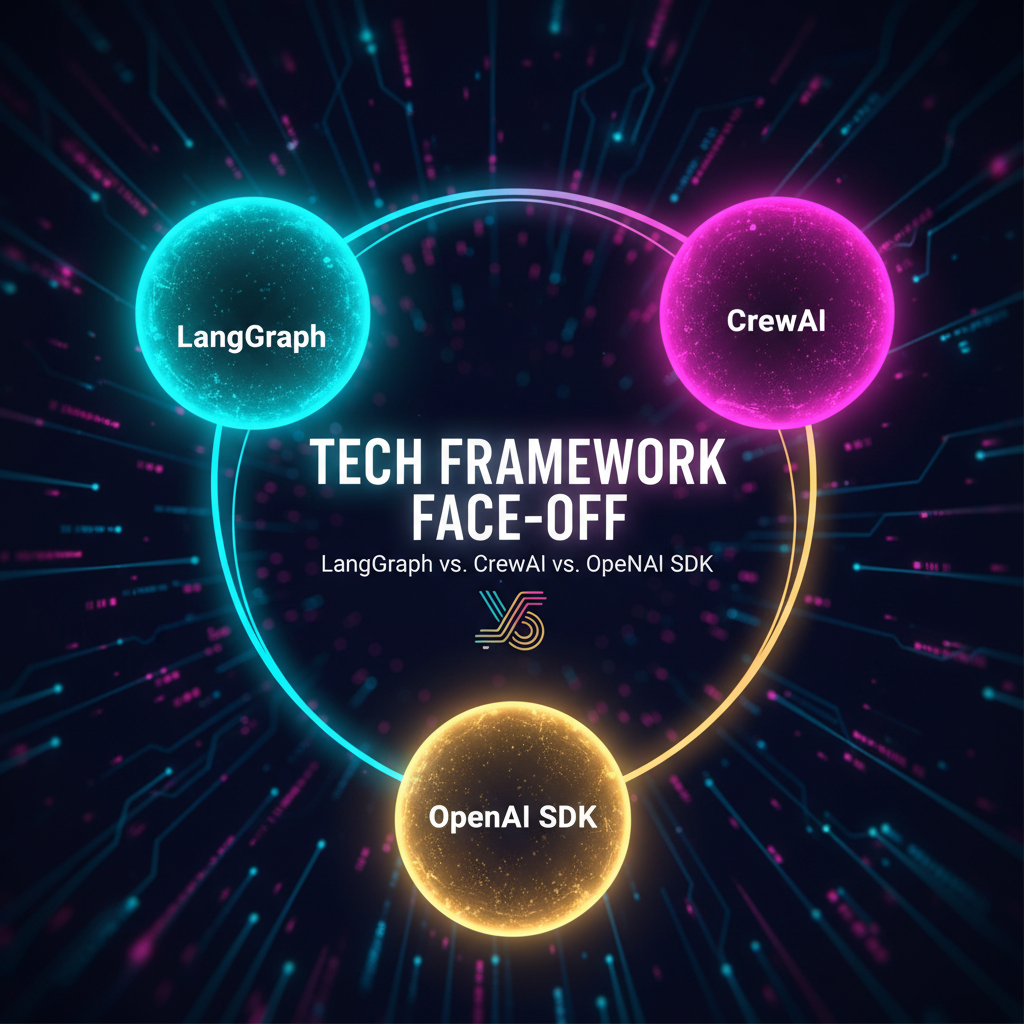
Six production-grade agent frameworks compete in 2026. But three dominate mindshare: LangGraph (27.1K monthly searchesLangGraph GitHub Repository), CrewAI (44.6K GitHub starsCrewAI GitHub Repository), and OpenAI Agents SDK (v0.10.2, 100+ non-OpenAI modelsOpenAI Agents SDK). AutoGen? Microsoft shifted it to maintenance mode — don’t start new projects there.
The mistake most teams make: picking by GitHub stars instead of workflow complexity. Here’s the data that matters.
Production Benchmarks
Real numbers from production deployments using GPT-4o:
| Metric | LangGraph | CrewAI | OpenAI Agents SDK |
|---|---|---|---|
| Complex task success | 62% | 54% | ~50% |
| Avg latency (10-step pipeline) | 1.2s | 1.8s | 1.5s |
| Token overhead | ~5% | ~18% | ~8% |
| Time to working agent | 1–2 weeks | <1 day | 2–3 days |
| Model support | 100+ models | 100+ models | OpenAI only |
| State persistence | ✅ Built-in checkpointing | Session memory only | ❌ Manual |
| Human-in-the-loop | ✅ Native interrupt | Via callbacks | Manual |
| Cost predictability | Low risk | Medium risk | Medium risk |
Key insight: CrewAI’s 18% token overhead comes from role/backstory prompts inflating context. For high-volume workflows, that 13% gap vs LangGraph adds up fast at $0.15/M tokens. CrewAI GitHub Repository
Architecture: Three Philosophies
LangGraph — State Machine
Workflows as directed graphs with typed state, nodes, and conditional edges. Explicit, auditable, debuggable via time-travel replay. Used by Klarna, Uber, LinkedInLangGraph GitHub Repository.
When to pick it: Your agent runs for minutes/hours, needs crash recovery, or must pass compliance audits.
CrewAI — Role-Based Teams
Agents defined by role, backstory, goal. Intuitive for non-engineers — working multi-agent in <50 lines. First-class MCP and A2A support.
When to pick it: You need a quick prototype, linear workflows (research → draft → review), or non-technical stakeholders need to understand the system.
OpenAI Agents SDK — Handoff Chains
Minimalist: agent + tools + handoffs. 2–3 day learning curve, built-in guardrails and tracing.
When to pick it: You’re all-in on OpenAI, building simple agents or chatbots, and don’t need long-running state.
When to Migrate
The most common path: prototype in CrewAI, then migrate complex branches to LangGraph. Watch for these signals:
- Outgrowing CrewAI: You’re encoding routing logic into prompts because the role-based model can’t handle conditional branching.
- Outgrowing OpenAI SDK: You hit the vendor lock wall — one outage takes your whole agent down, or you need persistence beyond thread-based storage.
- Ready for LangGraph: Your workflows run >30 seconds, have failure-prone steps, or require compliance-ready audit trails.
Cost Reality Check (Per 10K Runs)
| Framework | Estimated monthly cost (10K runs, GPT-4o) |
|---|---|
| LangGraph | $180–$300 (incl. LangSmith observability) |
| CrewAI | $210–$380 (18% token overhead adds up) |
| OpenAI SDK | $150–$250 (no persistence infra needed) |
LangGraph’s lower per-run cost offsets its higher setup investment at scale.
The Verdict
| If you need… | Start with… |
|---|---|
| Production durability + crash recovery | LangGraph |
| Fastest prototype | CrewAI |
| Simple GPT-native agent | OpenAI SDK |
| Compliance-ready audit trails | LangGraph |
| Non-technical team collaboration | CrewAI |
| Multi-model flexibility | LangGraph |
Bottom line: There’s no universal winner — but there is a wrong answer for your use case. Start with the framework that matches your current bottleneck, not the one with the most GitHub stars. Plan your migration path before you need it. At NiteAgent, we’vh) LangGraph GitHub repository — https://github.com/langchain-ai/langgraph CrewAI GitHub Repository OpenAI Agents SDK