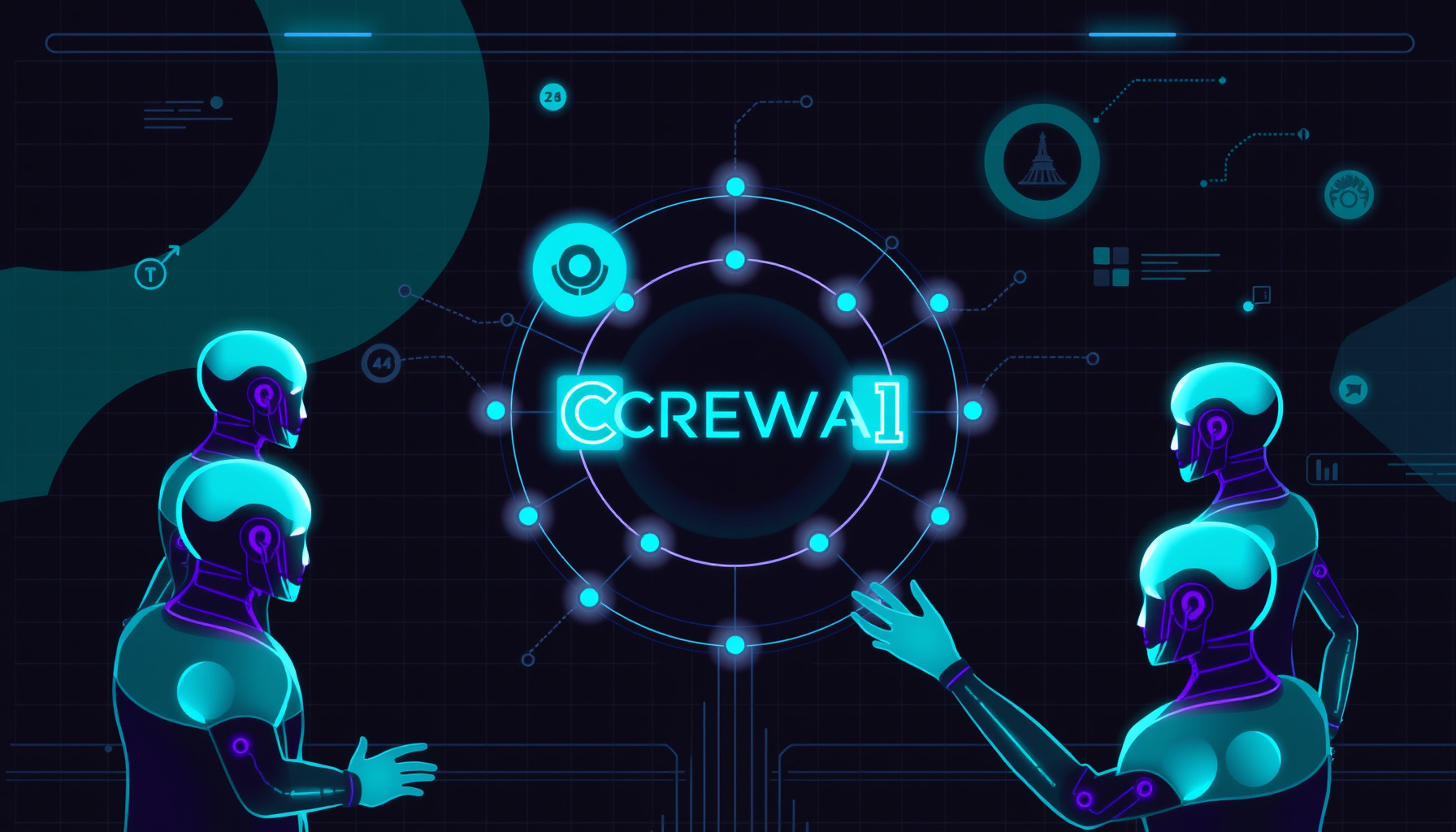
As artificial intelligence continues to evolve, multi-agent systems have become the backbone of complex automation. CrewAI, an open-source framework for orchestrating autonomous AI agents, has emerged as a leading tool for building collaborative workflows. By 2026, CrewAI has matured significantly, offering enhanced reliability, scalability, and integration capabilities. This guide walks you through setting up CrewAI for multi-agent workflows, leveraging the latest features and best practices.
What is CrewAI and Why Use It?
CrewAI is a Python framework designed to coordinate multiple AI agents—each with specific roles, goals, and tools—to complete tasks collaboratively. Unlike single-agent systems, CrewAI enables parallel task execution, role-based delegation, and dynamic workflow adaptation. As of 2026, it supports advanced features like hierarchical task management, memory persistence, and native integration with LLMs from OpenAI, Anthropic, and open-source models via Ollama (docs.crewai.com).
Key benefits include:
- Modularity: Define agents with distinct personas (e.g., researcher, writer, coder).
- Flexibility: Choose between sequential, hierarchical, or custom workflow patterns.
- Extensibility: Integrate external tools like web search, databases, and APIs.
- Observability: Built-in logging and tracing for debugging complex workflows.
Prerequisites
Before starting, ensure you have:
- Python 3.11 or higher installed (python.org)
- An OpenAI API key (or equivalent for other LLM providers) (platform.openai.com)
- Basic familiarity with Python and command-line tools
Step 1: Install CrewAI and Dependencies
CrewAI is distributed via PyPI. Install the core package along with optional dependencies for tool support:
pip install crewai crewai-toolsFor local LLM support (e.g., using Ollama), install the Ollama integration:
pip install crewai[ollama]Verify installation:
import crewai
print(crewai.__version__)  # Should output 0.80.0 or later
Reference: https://docs.crewai.com/installation
Step 2: Configure Your Environment
Set up environment variables for API keys. Create a .env file in your project root:
OPENAI_API_KEY=your_openai_api_key_here # gitleaks:allow
OPENAI_MODEL_NAME=gpt-4o  # Or gpt-4o-mini for cost efficiency
Load these in your Python script:
from dotenv import load_dotenv
load_dotenv()
For local models, configure Ollama:
from crewai import LLM

llm = LLM(
    model="ollama/llama3.2:3b",
    base_url="http://localhost:11434"
)
Reference: https://docs.crewai.com/core-concepts/LLM
Step 3: Define Your Agents
Agents are the core actors in CrewAI. Each agent has a role, goal, backstory, and optional tools. Here’s an example of a research and writing team:
from crewai import Agent
from crewai_tools import SerperDevTool, ScrapeWebsiteTool

# Tools
search_tool = SerperDevTool()
scrape_tool = ScrapeWebsiteTool()

# Researcher Agent
researcher = Agent(
    role="Senior Research Analyst",
    goal="Uncover cutting-edge developments in AI and data science",
    backstory="You work at a leading tech think tank, expert in identifying trends",
    tools=[search_tool, scrape_tool],
    verbose=True,
    allow_delegation=False,
    llm=llm  # Optional: specify custom LLM
)

# Writer Agent
writer = Agent(
    role="Tech Content Strategist",
    goal="Craft compelling blog posts about AI advancements",
    backstory="You are a renowned content creator with a flair for simplifying complex topics",
    tools=[],  # Writer may not need external tools
    verbose=True,
    allow_delegation=True  # Can delegate sub-tasks to researcher
)
Best Practice: Give agents specific, non-overlapping roles to avoid conflicts. Use allow_delegation sparingly to maintain workflow clarity.
Reference: https://docs.crewai.com/core-concepts/Agents
Step 4: Define Tasks
Tasks are atomic units of work assigned to agents. Each task includes a description, expected output, and assigned agent.
from crewai import Task

research_task = Task(
    description=(
        "Identify the latest breakthroughs in multi-agent AI systems as of 2026. "
        "Focus on frameworks, use cases, and performance benchmarks. "
        "Compile a detailed report with at least 5 key findings."
    ),
    expected_output="A comprehensive report with bullet points and citations",
    agent=researcher,
    async_execution=False  # Set True for parallel tasks
)

write_task = Task(
    description=(
        "Using the research report, write a 1000-word blog post titled "
        "'The Future of Multi-Agent AI in 2026'. "
        "Make it engaging, accessible to non-experts, and include practical examples."
    ),
    expected_output="A full blog post in markdown format",
    agent=writer,
    context=[research_task]  # Depends on research output
)
Key Parameters:
context: Links tasks sequentially (output of one feeds another).async_execution: Run independent tasks concurrently for speed.human_input: SetTrueto require manual approval before execution.
Reference: https://docs.crewai.com/core-concepts/Tasks
Step 5: Create the Crew and Execute
Now assemble agents and tasks into a crew, then kick off the workflow:
from crewai import Crew, Process

crew = Crew(
    agents=[researcher, writer],
    tasks=[research_task, write_task],
    process=Process.sequential,  # Or Process.hierarchical
    verbose=True,
    memory=True,  # Enable memory for context retention
    cache=True,   # Cache tool outputs for efficiency
    max_rpm=10    # Rate limit API calls
)

result = crew.kickoff()
print("Final Output:")
print(result.raw)
Process Types:
Process.sequential: Tasks execute in order, one after another.Process.hierarchical: A manager agent delegates tasks dynamically based on progress.
Reference: https://docs.crewai.com/core-concepts/Crews
Step 6: Advanced Workflow Patterns
Hierarchical Crew with Manager
For complex projects, use a manager agent to orchestrate:
from crewai import Process

manager = Agent(
    role="Project Manager",
    goal="Optimize workflow efficiency and ensure quality output",
    backstory="You are an experienced project manager with AI orchestration expertise",
    allow_delegation=True
)

crew = Crew(
    agents=[researcher, writer],
    tasks=[research_task, write_task],
    process=Process.hierarchical,
    manager_agent=manager
)
Reference: https://docs.crewai.com/core-concepts/Process
Parallel Task Execution
Speed up independent tasks using async_execution:
task1 = Task(description="...", agent=agent1, async_execution=True)
task2 = Task(description="...", agent=agent2, async_execution=True)
task3 = Task(description="...", agent=agent3, context=[task1, task2])  # Waits for both
Reference: https://docs.crewai.com/how-to/Parallel-Guardrails
Step 7: Monitoring and Debugging
CrewAI provides built-in logging. Enable verbose mode and inspect outputs:
crew = Crew(..., verbose=True)
# Logs show agent thoughts, tool calls, and task progress
For production, integrate with external monitoring tools via callbacks or export logs to a file:
import logging
logging.basicConfig(filename='crew.log', level=logging.INFO)
Reference: https://docs.crewai.com/how-to/Customizing-Agents
Step 8: Best Practices for 2026
-
Use Memory for Long-Running Workflows: Enable
memory=Trueto retain context across tasks. CrewAI supports short-term, long-term, and entity memory (https://docs.crewai.com/core-concepts/Memory). -
Optimize Token Usage: Set
max_rpmand use cost-efficient models (e.g.,gpt-4o-mini) for routine tasks. -
Implement Guardrails: Validate outputs with pydantic models to ensure structured data (https://docs.crewai.com/how-to/Guardrails).
-
Version Your Crews: Use CrewAI’s
@crewdecorator to save and load crew configurations as JSON for reproducibility. -
Test with Mock LLMs: During development, use
crewai.testing.MockLLMto simulate responses without API costs.
Common Pitfalls and Solutions
| Problem | Solution |
|---|---|
| Agents hallucinating tools | Restrict tools per agent; set tools=[] for agents that don’t need them |
| Slow execution | Enable async_execution for independent tasks; reduce verbose logging |
| Token limits exceeded | Use max_rpm and shorter backstory descriptions |
| Conflicting agent roles | Ensure each agent has a unique goal and backstory |
Conclusion
Setting up CrewAI for multi-agent workflows in 2026 is more accessible than ever, thanks to improved documentation, modular design, and robust tooling. By following this guide, you can build sophisticated AI teams that research, write, code, and make decisions collaboratively. Start with a simple sequential crew, then experiment with hierarchical processes and parallel execution as your requirements grow.
The future of AI is multi-agent—and with CrewAI, you’re equipped to harness that future today.
References and Further Reading
- CrewAI Official Documentation
- CrewAI GitHub Repository
- CrewAI Installation Guide
- CrewAI Agents Documentation
- CrewAI Tasks Documentation
- CrewAI Memory Documentation
- Python Official Download
- Ollama for Local LLMs
📖 Related Reads
- CodeIntel Log — code quality, debugging, and software engineering benchmarks
- NoCode Insider — AI workflow automation with no-code tools, agents, and APIs
- ToolBrain — tool reviews, LLM comparisons, and AI workflow guides
Cross-links automatically generated from NiteAgent.
← Back to all posts