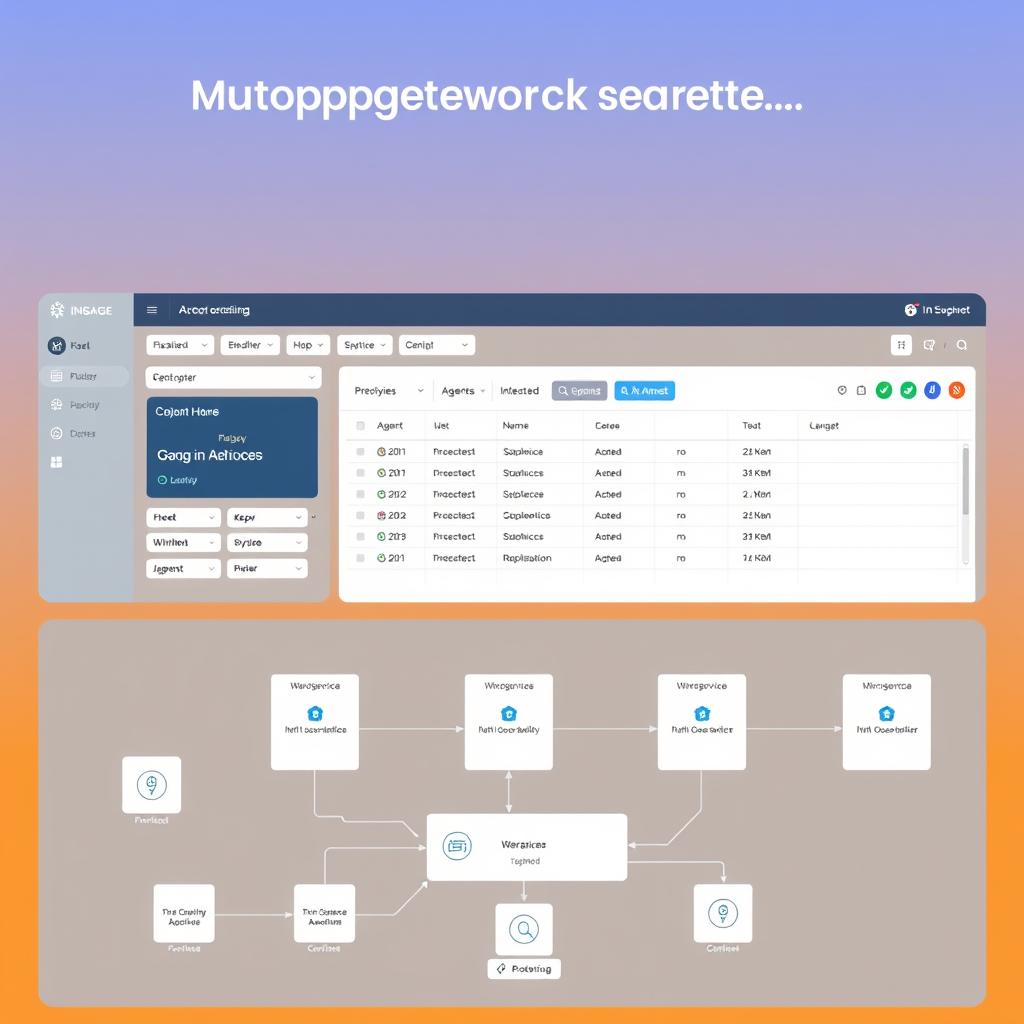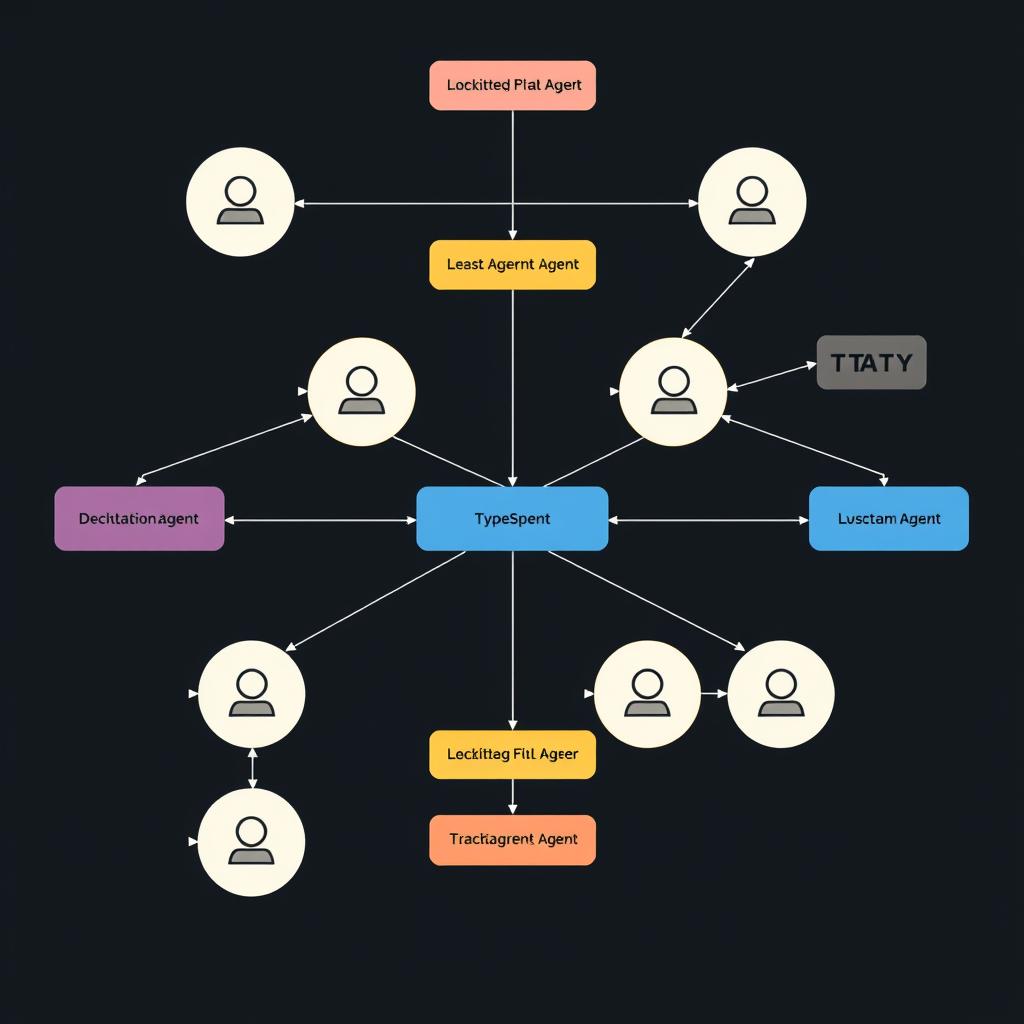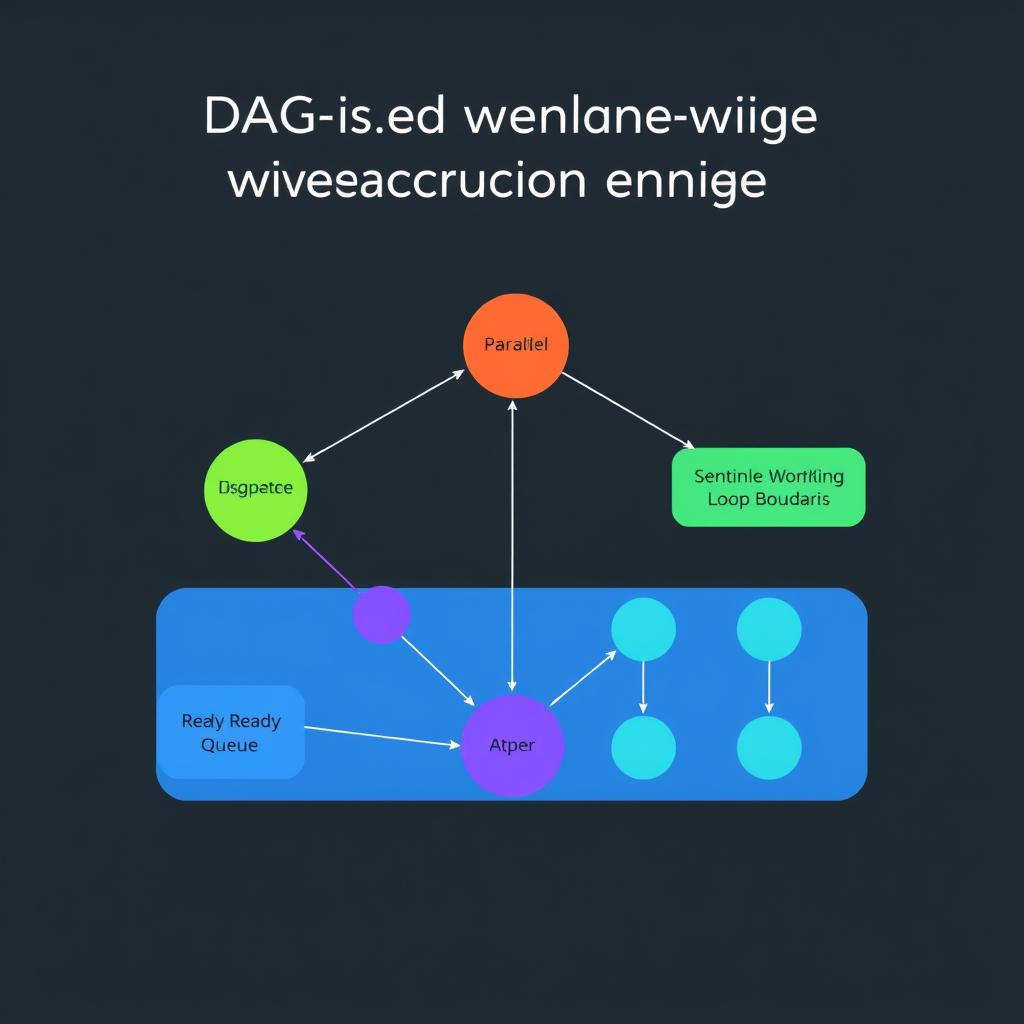
The bottom line: Sim Studio (28.7k GitHub stars, Apache 2.0) ships a DAG-based execution engine that treats workflows as compiled directed acyclic graphs — not sequential step runners Sim Studio GitHub Repository. A ready queue dispatches all unblocked nodes concurrently, sentinel nodes make loops acyclic, and a BlockHandler interface decouples block logic from orchestration. The architecture avoids the two most common workflow engine failure modes: artificial sequentialization of parallel branches, and monolithic block execution that conflates dispatch logic with business logic.
Why DAG Over Sequential Pipelines?
Most workflow tools model execution as a pipeline: step 1 → step 2 → step 3. This is simple but fundamentally limited when branches, conditionals, or parallel subflows are involved. Either you introduce layering (run all of branch A, then all of branch B) which serializes inherently parallel work, or you push parallelism logic into the blocks themselves, violating separation of concerns.
Sim took a different approach common in build systems and data pipelines: compile the workflow to a DAG first, then execute via topological sort Sim Studio GitHub Repository. Every block becomes a node, every connection becomes an edge. The topology is fully defined before the first block executes.
Workflow (visual) → Compiler → DAG (nodes + edges) → ExecutorThis is the same philosophy as Make, Bazel, and Airflow — but applied to AI agent workflows where blocks are LLM calls, API requests, and conditional logic rather than compilation units.
The Ready Queue: Parallelism by Default
The core of Sim’s executor is an event-driven ready queue. Instead of traversing the graph layer by layer, it maintains a set of nodes whose incoming edges are all satisfied. When a node completes, it removes its outgoing edges from downstream nodes’ dependency sets. Any node whose incoming edge count hits zero enters the queue Inside the Sim Executor — Sim Architecture Blog.
// Simplified ready queue logic
class ExecutionEngine {
  readyQueue: Set<string> = new Set();
  nodeDeps: Map<string, Set<string>> = new Map(); // nodeId → incoming edge IDs

  onNodeComplete(completedNodeId: string) {
    const outEdges = this.getOutgoingEdges(completedNodeId);
    for (const edge of outEdges) {
      const target = edge.targetId;
      this.nodeDeps.get(target)!.delete(edge.id);
      if (this.nodeDeps.get(target)!.size === 0) {
        this.readyQueue.add(target);
      }
    }
    this.dispatchReady();
  }

  dispatchReady() {
    for (const nodeId of this.readyQueue) {
      this.readyQueue.delete(nodeId);
      this.executeNode(nodeId); // parallel dispatch
    }
  }
}
The key property: parallelism emerges from the graph structure itself Inside the Sim Executor — Sim Architecture Blog. Independent blocks launch concurrently without any explicit parallel annotation. A parallel subflow with 50 branches — each branch containing multiple sequential blocks — naturally dispatches all entry nodes across all branches simultaneously.
This contrasts sharply with layer-based approaches. n8n’s v1 engine executed branches sequentially. More sophisticated engines interleave nodes across branches but still impose a global execution frame. Sim’s ready queue has no frames — each node launches as soon as its dependencies resolve, regardless of which branch or layer it belongs to.
Sentinel Nodes: Making Loops Acyclic
Loops are inherently cyclic — a workflow engine that supports them must either accept cycles (breaking the DAG property) or transform them. Sim chose transformation via sentinel nodes Sim Studio GitHub Repository.
A loop compiles into:
- Sentinel Start — activates the first block inside the loop body
- Sentinel End — evaluates the loop condition. Returns either “continue” (triggering Sentinel Start again) or “exit” (activating blocks after the loop)
[Sentinel Start] → [Loop Body] → [Sentinel End]
     ↑                                   │
     └─────────── "continue" ────────────┘
After “continue,” the executor clears execution state of blocks inside the loop, restores incoming edges, increments the iteration counter, and loads the next item. Loop variables shadow outer scopes so <loop.iteration> and <loop.item> resolve correctly Inside the Sim Executor — Sim Architecture Blog.
On “exit,” the Sentinel End activates downstream blocks. The DAG property is preserved because the backward edge only fires on the “continue” path — at graph definition time, every path is unambiguously forward except the sentinel-mediated loopback.
The BlockHandler Pattern: Clean Dispatch
Each block type has a dedicated handler implementing a two-method interface:
interface BlockHandler {
  canHandle(blockType: string): boolean;
  execute(context: ExecutionContext): Promise<BlockResult>;
}
Sim ships 13+ handlers: AgentHandler, ApiHandler, ConditionHandler, EvaluatorHandler, FunctionHandler, GenericHandler, HumanInTheLoopHandler, LoopHandler, ParallelHandler, RouterHandler, TriggerHandler, VariableHandler, WaitHandler, WorkflowHandler Sim Studio GitHub Repository.
When a node enters the ready queue, the executor iterates handlers — canHandle() checks the block type — and delegates to the first match. This separates:
- Orchestration (ready queue, edge management, state) in the executor
- Business logic (prompt construction, API calls, condition evaluation) in handlers
This is the same pattern used by Express.js middleware, Koa context handlers, and GraphQL resolvers — but applied to workflow blocks rather than HTTP requests.
Human-in-the-Loop: Pause/Resume Snapshots
Long-running AI workflows need human intervention. Sim’s executor handles this through a snapshot-based pause mechanism Sim Studio GitHub Repository.
When a block returns a pause metadata flag:
- The executor stops processing its outgoing edges
- A full state snapshot is captured: every block output, loop iteration counter, parallel branch progress, routing decision, and remaining DAG dependency graph
- A resume URL is generated with the snapshot ID
- A notification tool delivers the URL to the authorized user
On resume, the snapshot is deserialized, the executor reconstructs all dependency sets, and processing continues from the paused block’s outgoing edge — not from scratch.
interface ExecutionSnapshot {
  nodeOutputs: Map<string, BlockResult>;
  loopStates: Map<string, { iteration: number; items: any[] }>;
  parallelStates: Map<string, { branchIndex: number; terminalCount: number }>;
  remainingDeps: Map<string, Set<string>>;
  blockedNodes: Set<string>;
}
This is critical for agent workflows with approval gates, manual data review, or cost gating before expensive API calls.
Variable Resolution Hierarchy
Variables in Sim execute at two separate times: config resolution at serialization time, and parameter resolution at execution time. The resolver uses a scoping chain (inner shadows outer) Inside the Sim Executor — Sim Architecture Blog:
- Loop items —
<loop.iteration>,<loop.item>(most specific) - Parallel branch indices —
<parallel.index> - Workflow variables —
<workflow.variableName> - Environment variables —
${API_KEY} - Upstream block outputs —
<blockId.output.content>(least specific, most common)
The resolver is a composable chain — each scope type is a separate module (block.ts, env.ts, loop.ts, parallel.ts, reference.ts, workflow.ts) that the resolver consults in order. This makes it trivial to add new scope types without modifying existing resolvers.
Edge Management and Branch Pruning
When a condition or router block executes, only the matching outgoing edge remains active. The edge manager deactivates all other edges and cascades downstream: recursively deactivate edges from inactive branches unless a downstream node has other active incoming edges (convergence scenario) Sim Studio GitHub Repository.
function deactivateBranch(edgeId: string) {
  edge.active = false;
  const target = edges.get(edgeId)!.targetId;
  const outEdges = getOutgoingEdges(target);
  for (const outEdge of outEdges) {
    if (getIncomingEdges(outEdge.targetId).every(e => !e.active)) {
      deactivateBranch(outEdge.id); // cascade
    }
  }
}
This practically eliminates wasted work — unreachable blocks never enter the ready queue. If two branches reconverge at a merge node, the merge block becomes ready only when all remaining active incoming edges complete. Pruned branches reduce the count, so the merge fires at the right time without manual join configuration.
Production Architecture
The executor runs server-side. The client communicates via SSE (Server-Sent Events) — block start, completion, streaming output, and errors fire as typed events Sim Studio GitHub Repository. The client reconstructs execution state from the event stream without polling.
Client (workflow builder) ← SSE events → Server (executor)
                                          │
                                          ├── BlockHandler registry
                                          ├── ExecutionEngine (ready queue)
                                          ├── EdgeManager (branch pruning)
                                          ├── VariableResolver (scoped chain)
                                          └── SnapshotService (pause/resume)
The realtime server avoids React, Next.js, the block registry, and the executor entirely — it’s built on Socket.IO with Bun runtime, dedicated to SSE delivery and nothing else Sim Studio GitHub Repository.
Comparison With Other Approaches
n8n — Executes nodes sequentially within a layer. Parallel branches run serially. Sim’s ready queue gives true concurrency without workarounds Inside the Sim Executor — Sim Architecture Blog.
Temporal — Durable execution with workflow-as-code. Sim is declarative (visual workflow → DAG). Temporal gives you retries and history in exchange for writing the orchestration logic yourself.
Airflow — DAG-based with a scheduler dependency. Designed for batch data pipelines (hours-long runs). Sim targets interactive AI workflows (seconds-to-minutes, streaming, human-in-the-loop).
LangGraph — Graph-based agent orchestration with typed state. Moese patterns are directly applicable. The source code is Apache 2.0 and well-modularized under executor/ and packages/workflow-types/.
References
Inside the Sim Executor — Sim Architecture Blog “Inside the Sim Executor” — Sim Architecture Blog — https://www.staging.sim.ai/studio/executor
Sim Workflow Types — Block Definitions
Sim Workflow Persistence — Load/Save Helpers
Sim Workflow Authz — LockedError and getActiveWorkflowContext
Sim Real-time Protocol — SSE Event Schemas
📖 Related Reads
- NoCode Insider — AI workflow automation with no-code tools, agents, and APIs
Cross-links automatically generated from NiteAgent.
← Back to all posts